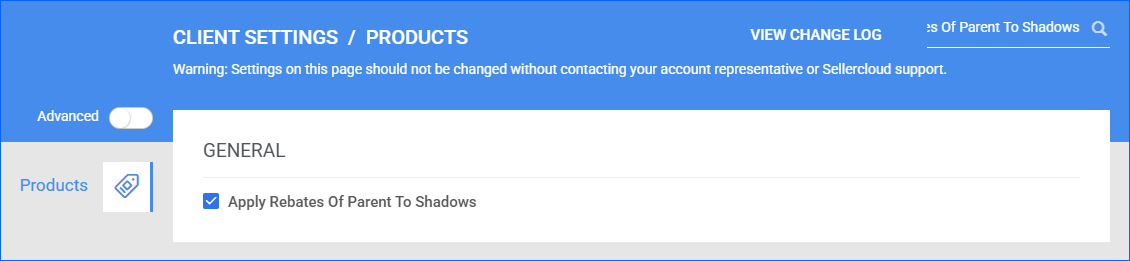
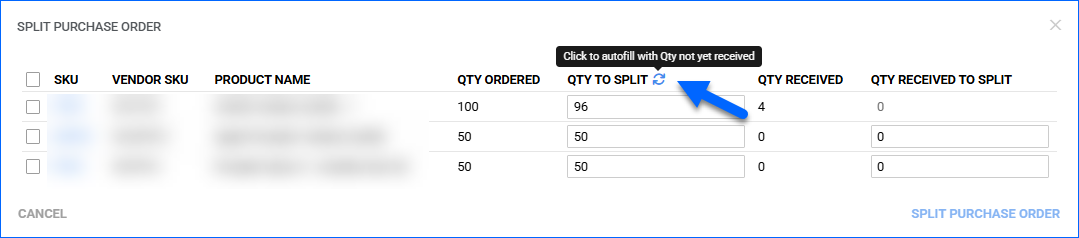
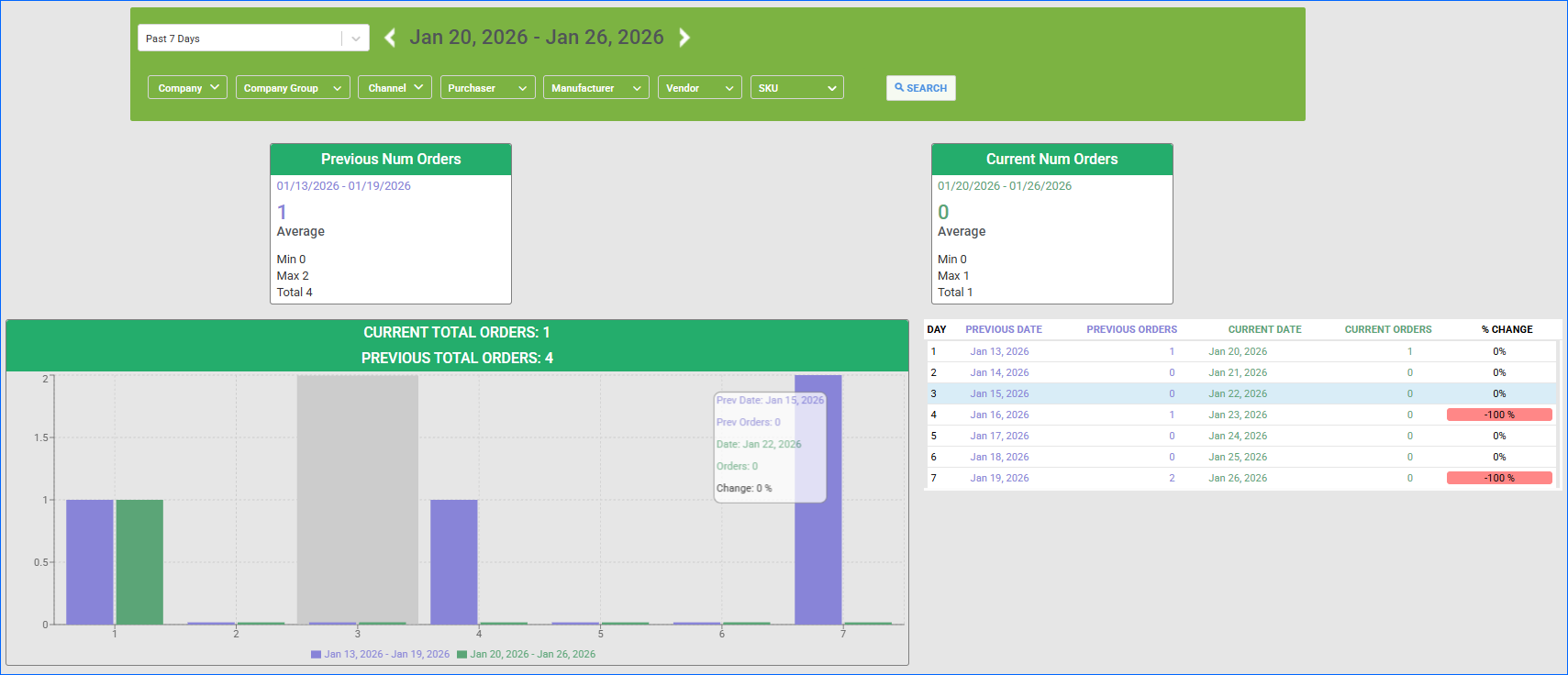
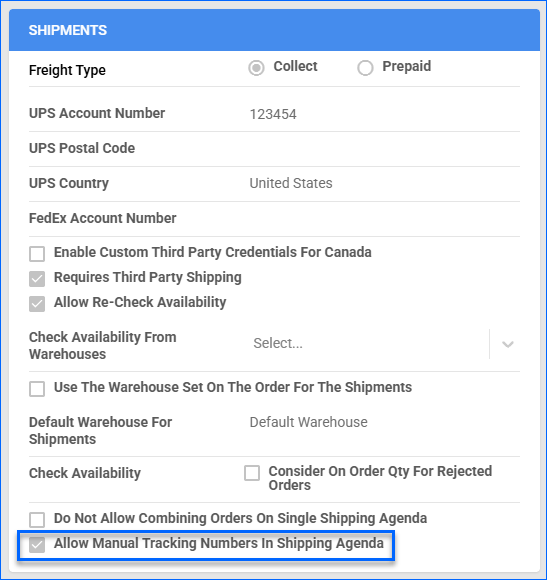
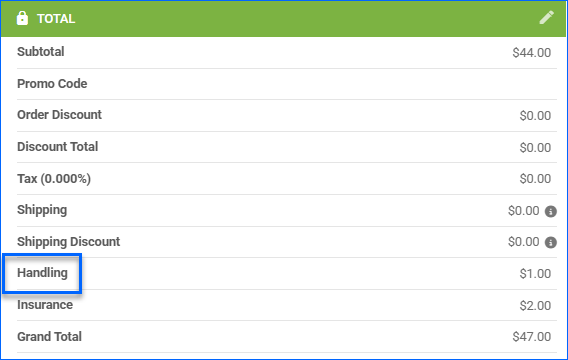
We have added Discount Total as an optional column to the Manage Orders page. Additionally, you can use it to sort the results in the orders grid.
FBA Business Orders
We have adjusted the FBA Order download to now check whether they were placed by Amazon Business Customers. We then mark them accordingly with the Amazon Business subtype. 
Bulk Ship Orders: Shipping Cost
You can now add the Shipping Cost directly when using the Ship Order bulk action from the Manage Orders Page. This makes it easier to record and track shipping expenses at the time of fulfillment without switching between pages or updating later.
Unpaid Order Reserves
You can now configure your account to Reserve Inventory for orders that are not Paid or Authorized. This functionality was only available for Wholesale orders, but now you can extend it to Local Store and Website (Shopify) Orders as well.
Temu Account Integration
You can now integrate your Sellercloud account with Temu via API. Contact our Support Team or your onboarding specialist to request the latest Temu Website Cart Plugin. The new integration supports order download, tracking upload, cancellation import, and automatically updating product inventory.
Shipping Total Filter
We have added a new filter to the Manage Orders page: Shipping Total. It allows you to select a range for the total cost of outbound shipping billed to the customer.
Order Note Users Restriction
The Users to Notify dropdown in the Add Order Note pop-up will now only display employees who have permissions for the order company.
Get Stop Loss Price
We have updated the Get Product Prices endpoint of our REST API to include the product’s Stop Loss Price in the response body.
Order Subtype Column
We have added Order Sub Type as an optional column on the Manage Orders page. When selected, the results grid will display whether each order is marked as Prime, Amazon Business, Sample, etc.
Capture Order Payment
We have added a new action to the Order Details page: Capture Payment. It is available for Website orders imported via a Cart Plugin, such as BigCommerce. This action allows you to initiate capturing payment for Authorized orders.