Product Updates

New December 29, 2025

Split PO Quantites

We have added a new button on the Split Purchase Order pop-up modal, which allows you to automatically recalculate the Qty To Split based on the quantity that has not been received yet.

New December 18, 2025

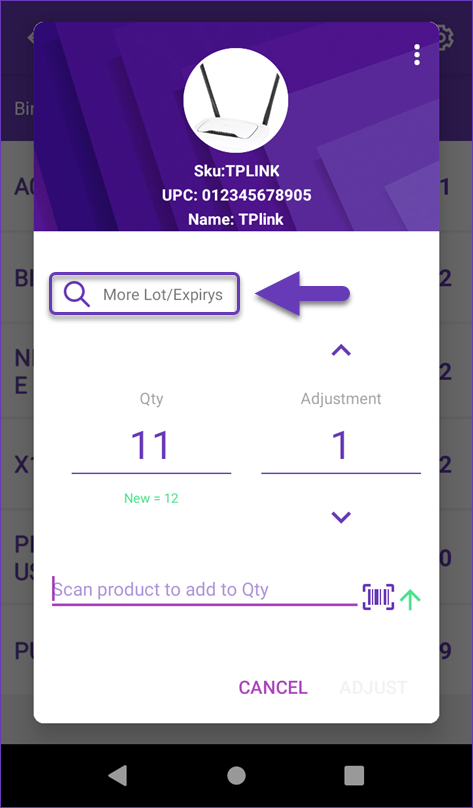
Skustack App: Settings

We have added 4 new settings to our Skustack application:

  • Allow ShipVerified Advanced
  • Add selected package type weight to order package weight
  • Hide product images
  • Enable warning when over receiving

You can read more in our Skustack Settings Overview article.

December 17, 2025

Shopify: Multiple Tracking Numbers

We have added a new Admin Setting, which allows us to send Shopify multiple tracking numbers for an order as a single field. This feature is necessary for orders that only have a single Kit Product that has its Components shipped in separate packages. Contact Sellercloud Support or your onboarding specialist if you need this setting enabled for your account.

New December 15, 2025

Amazon Vendor Central: Tracking Numbers

We have added a new company setting for the Amazon Vendor Central integration: Allow Manual Tracking Numbers In Shipping Agenda. When enabled, the Tracking Number field on VC Shipping Agendas becomes editable. This is necessary when your workflow requires you to generate order labels outside of Sellercloud.

New December 12, 2025

DHLeC: Taxes Paid

We have added a new setting in Shipbridge under Cerriers > DHLeC: Taxes paid. When enabled, we will send the corresponding field as True to DHL.

New December 11, 2025

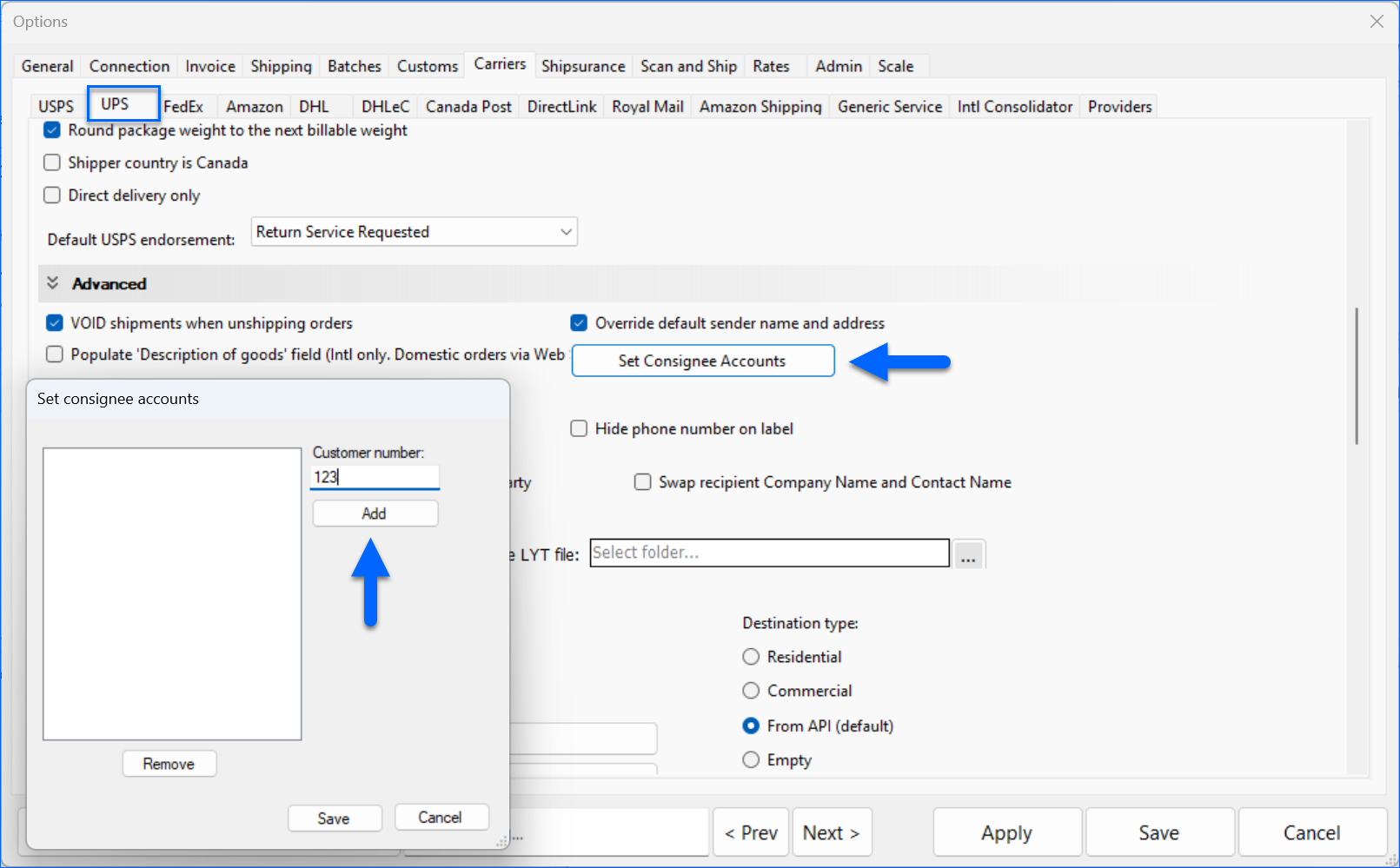
UPS: Commercial Invoice

We have added a new Shipbridge setting in Carriers > UPS Options: Set Sold To address to be like Ship From – Canada orders. When enabled, the Solt To address on UPS Commercial Invoices for Canada Orders will be the same as the Ship From Address.

Fix December 9, 2025

Product Prices Tab

We have updated the Prices Tab of the Product Details page toolbox. We have removed deprecated channels and added a note clarifying that additional pricing logic is not displayed on the page, but will still be applied when revising listings.