Shipping labels printed through Shipbridge are now available to download through the Delta Interface. To use this feature, navigate to the Order Details page > Toolbox > Shipping. You will find the new button in the Shipping Details panel header. This functionality is only available if the label was originally printed from a Shipbridge application running version 5.9.5.4 or later and the label format is not EPL.
Orders Not Shipped on Channel
By going to the Orders Not Shipped on the Channel page, you can see a list of all current orders marked as Shipped in Sellercloud but still not showing any tracking information on the respective channel. The search results will be based on the last order report received from each respective sales channel, and you can perform related order actions in bulk without going to the Manage Orders page. This feature can be especially useful in recognising syncing issues as well as resolving one-off cases.
Create New ASINs
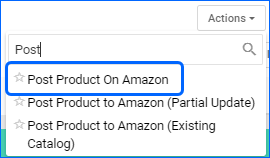
You can now Create new ASINs on Amazon from Sellercloud when posting your Products. To take advantage of the new workflow, your server must have an Update date after March 8th, 2024. Then, you would need to ensure your products are ready for posting and their category and attributes are configured. You may need to contact Sellercloud Support to update the Amazon Product Types on you server.
Vendor Transactions
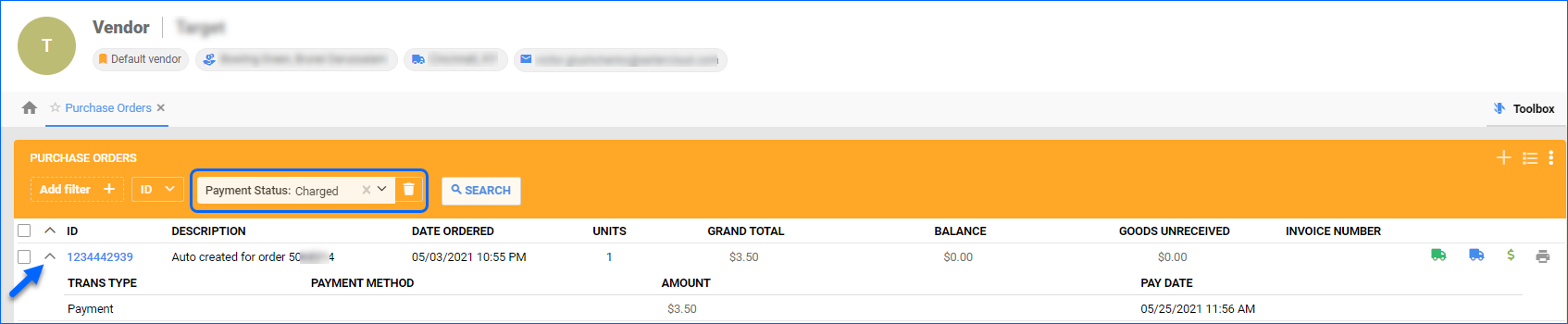
You can now view Transactions linked to specific POs from the Vendor Details page. When you go to Toolbox > Purchase Orders, if there are recorded payments, you can open the PO dropdown to see the Transaction Type, Method Amount, and Pay Date.
Get Carrier Information and Modify PO
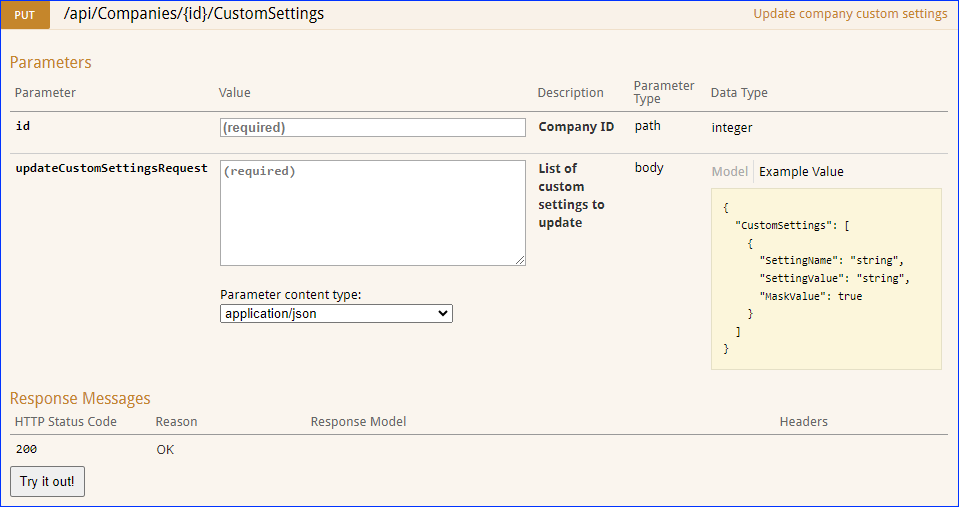
We have added three new endpoints to our REST API:
- Update Purchase Order – use this endpoint to modify a single existing Purchase Order. You can update the corresponding fields in the General panel on the PO Details page.
- Get Shipping Carriers – call this endpoint to retrieve the list of valid Shipping Carriers from your server. The response will return the Carrier names and numerical IDs.
- Get Shipping Services – use this endpoint to retrieve the list of valid Shipping Services per carrier from your server. The response will return the Service names and numerical IDs.
Grading Work Orders
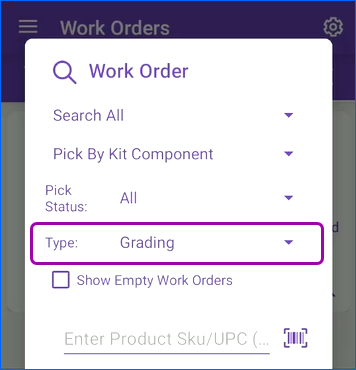
Implementing a grading system in Skustack allows you to effectively organize your inventory by item state. You can establish a categorization framework for your products according to their condition and use Work Orders of type Grading to sort them. You can create Grading Work Orders in the Skustack Admin portal, while the Mobile app allows you to utilize existing work orders to pick, grade, and update each unit and then sort it based on the determined condition.
Receive to Light
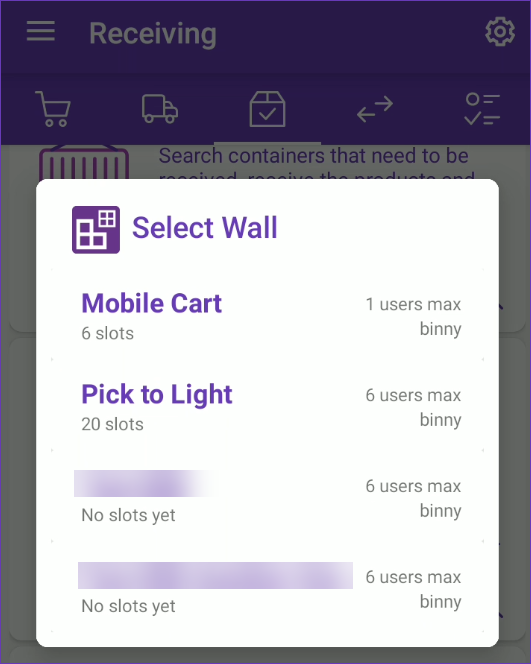
The Skublox Integration with Skustack gives you the ability to organize your warehouse processes with a variety of sorting methods, such as the new Receive To Light method. It combines the Cross-Dock and Pick-To-Light workflows allowing you to receive items from a vendor and immediately sort them on a Skublox lightwall for pending order shipping. This process aims to reduce the time and expenses linked with storage while optimizing the product sorting processes.
Back Market API: International
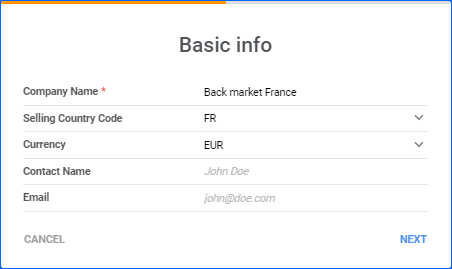
We have added support for integrating with international Back Market sites via API: CA (Canada), FR (France), and BE (Belgium). The only prerequisite to set this up is to have a Sellercloud company configured for the respective country. For example, in order to sell on Back Market France, the integration should be set up in a company with country code FR and currency EUR. Once this is done, you can follow the regular integration workflow.
Picklists Tab Improvements
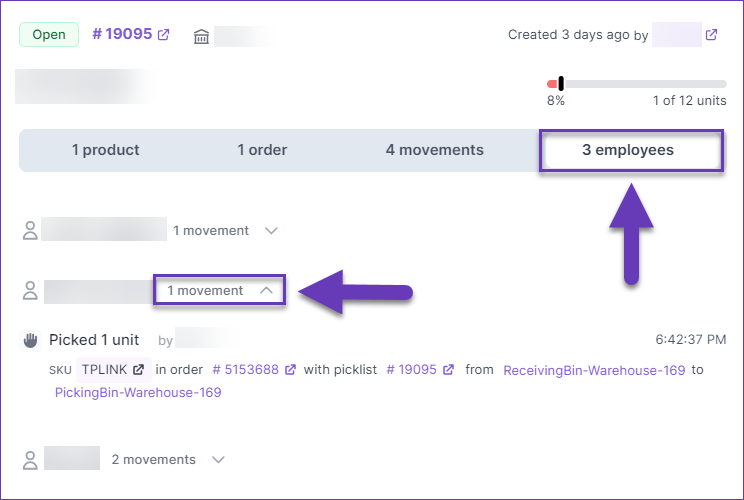
We have made some modifications to the Picklist tab of Skustack Lens:
Manage Plugin Channels
We have added a Manage Plugin Channels page that lets you view and manage any integrations configured through the Plugin Wizard. You can see the companies created via this method and their plugin-integrated channel, access details about the associated scheduled tasks and plugins, configure any required custom settings and validate that everything has been set up properly.