Product Updates: Sellercloud

Improvement May 29, 2024

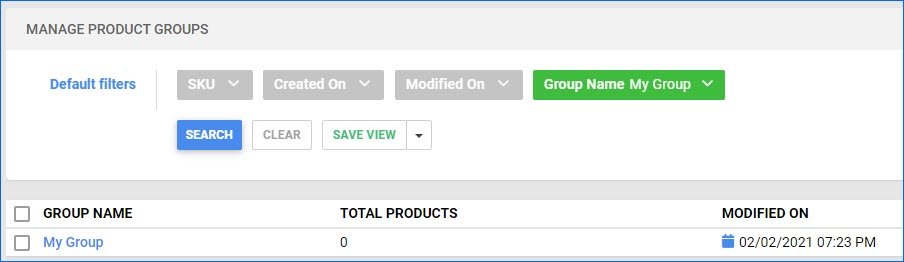
Filter by Group Name

Our Product Groups feature lets you organize and manage your listings by grouping similar products together. The Manage Product Groups page now supports filtering by Group Name for easier navigation.

New May 27, 2024

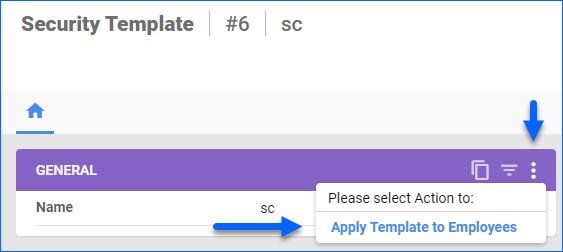
Apply Template to Employees

We have added a new action on the Security Template details page: Apply Template to Employees. Security Templates are a convenient way to create a set of User Permissions and then apply them to Emplyees with similar roles without having to set each individual permission. The new action allows you to apply a template to multiple employees at once, streamlining the process even further.

New May 21, 2024

Kit Cost Ratio Even Split

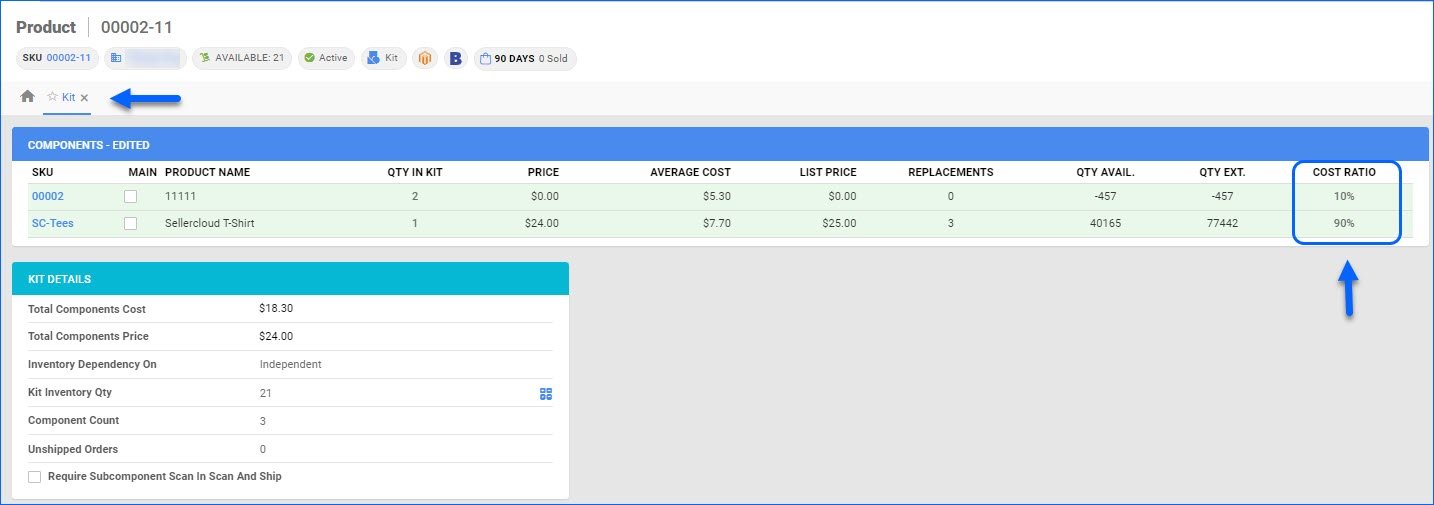
We have added a new client setting: Use Equal Cost Ratio On Kit Disassembly When Not Defined. When enabled, disassembling multi-component Independent kits that don’t have a cost ratio configured will split the parent’s cost evenly between all the components instead of skipping the calculation.

Fix May 16, 2024

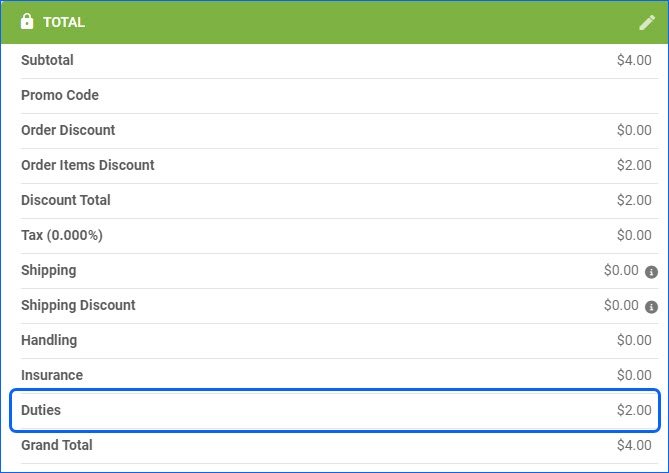
Duties on Order

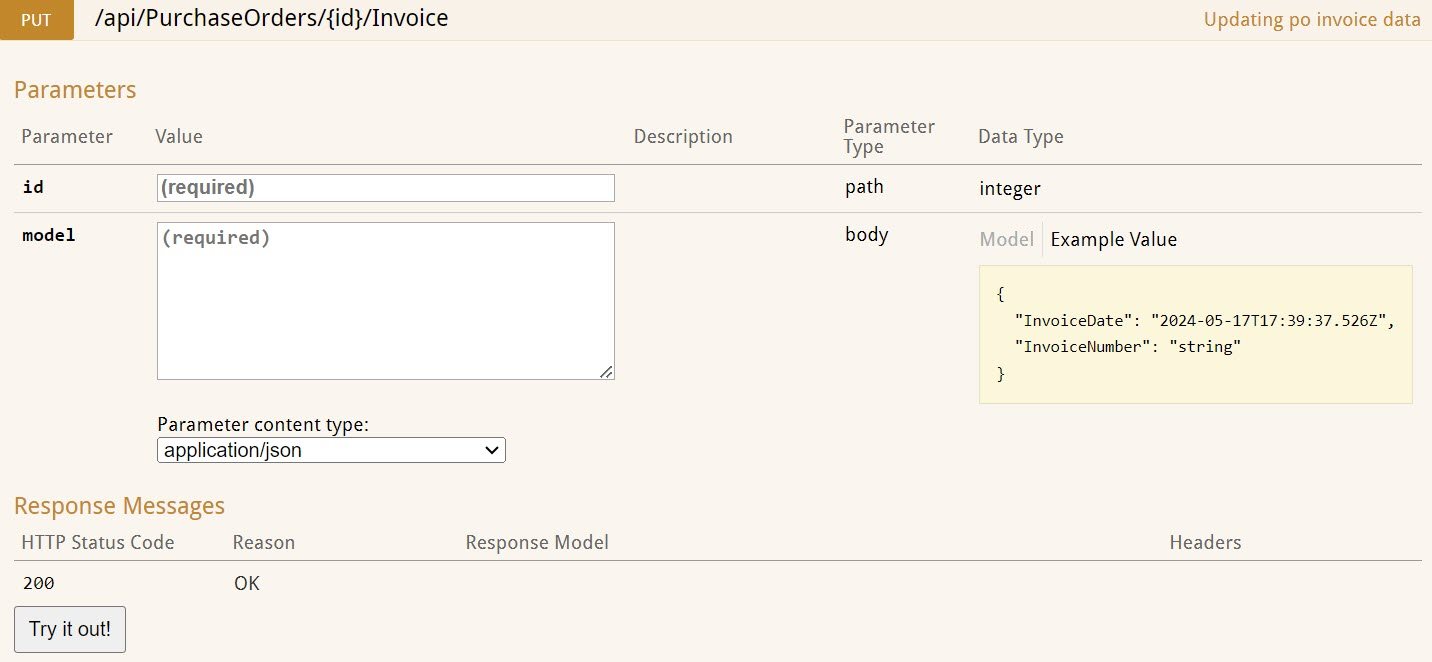
We have adjusted the logic of the Order Total panel to properly display and calculate Duties for International Orders. Additionally, duties will now be returned in the Response body when you Get All Orders via our Rest API.

New May 14, 2024

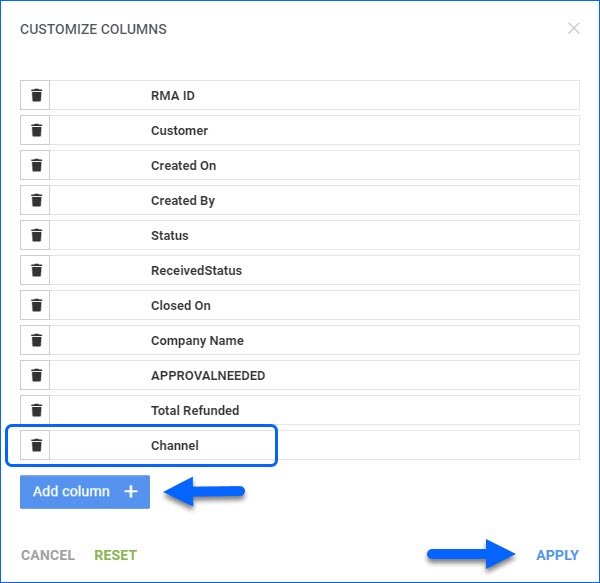
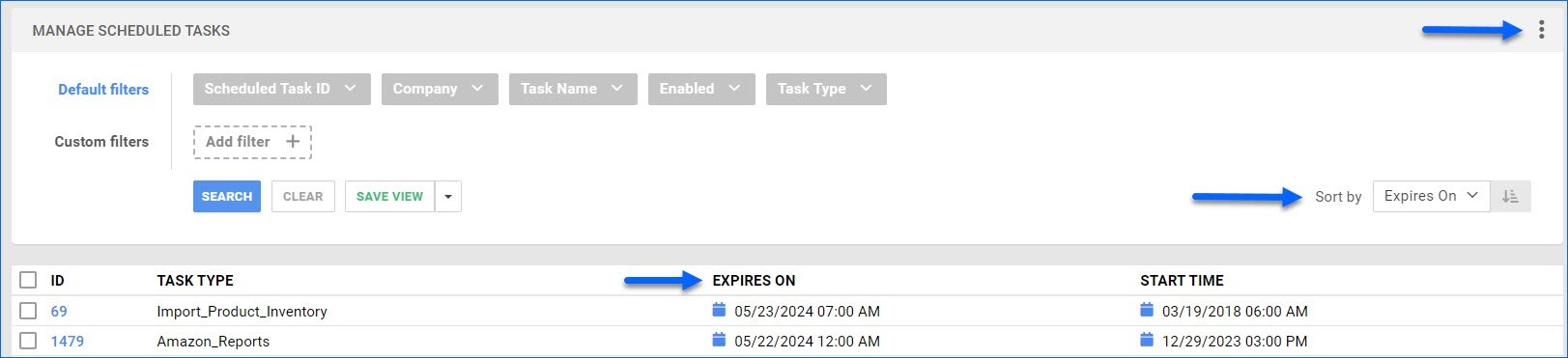
Expires On Column for Tasks

We have added an optional Expires On column on the Manage Scheduled Tasks page. You can customize your columns by clicking the three dots menu in the top right corner. Expires On displays the date you have set for the task to stop executing automatically. You can also sort the grid results by that column.

New May 13, 2024

Camera Barcode Scanning

The Sellercloud Mobile Application supports scanning barcodes with your device’s camera. This functionality is available on all pages where you can Add Products (Orders, POs, FBA) or input Serial Numbers. You can also use single-scanning in the Global Search bar, where you can scan any Product Identifier, such as SKU, UPC, Serial Number, etc. In all the mentioned cases, simply press the blue barcode icon to open the camera and start scanning.