Product Updates: Sellercloud

New June 19, 2024

Bulk Apply Security Templates

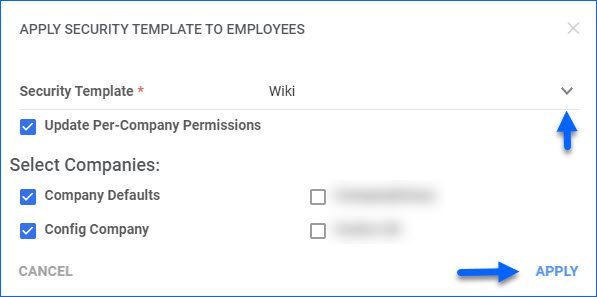
We have added a new action to the Manage Employees page: Apply Security Template. This action allows you to assign a Security Template to multiple Employees at once. Additionally, the modal also gives you the option to update which companies the selected users have access to, allowing for an even more streamlined workflow.

New June 17, 2024

Export a Queued Job

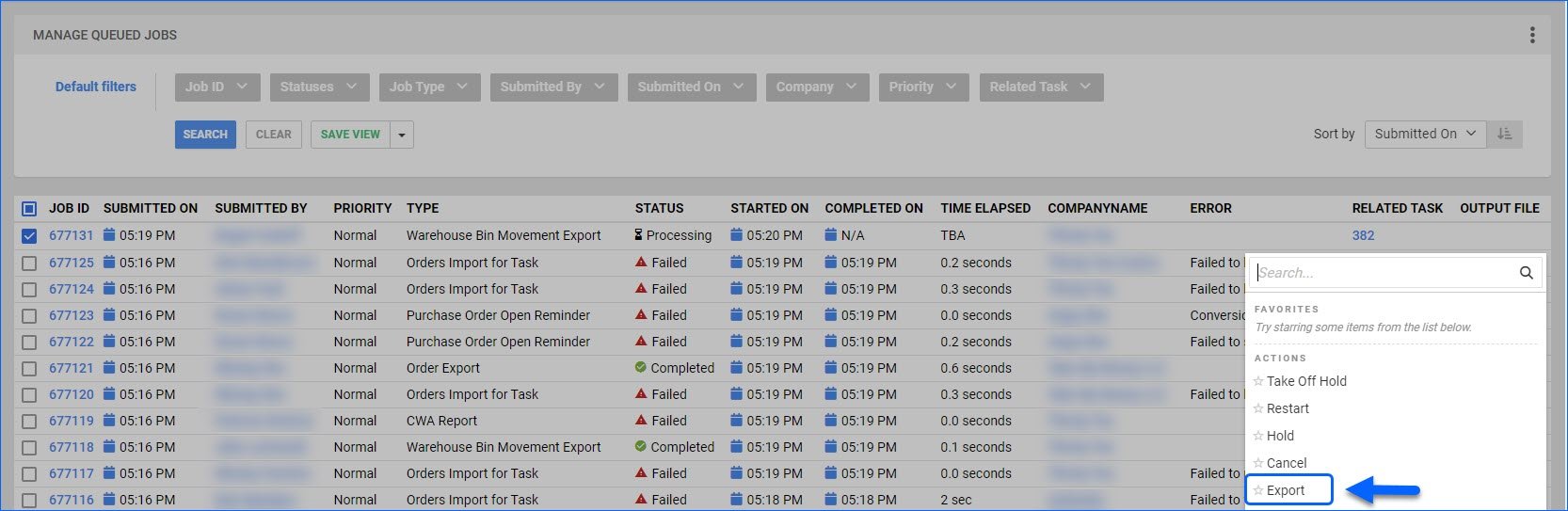
We have added the option to export your existing Queued Jobs to an Excel file from the Manage Queued Jobs page. The file will contain all available grid columns, such as Submitted By, Time Elapsed, Type, and Error. This can be useful for tracking operations and employees taking actions across Sellercloud.

Improvement June 11, 2024

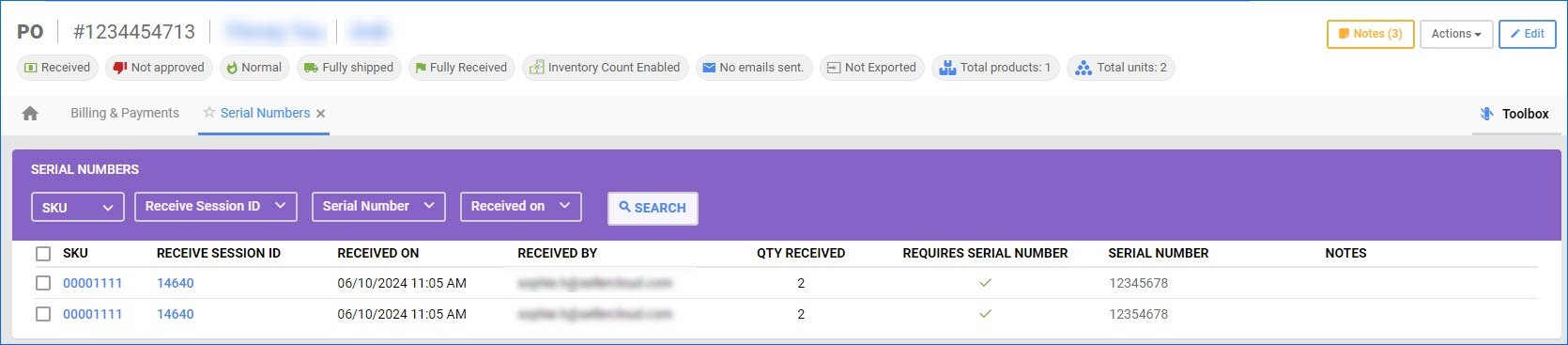
Use Simple Grid For PO Serial Numbers Toolbox

We have created a new Client Setting: Use Simple Grid For PO Serial Numbers Toolbox. It controls the view of the Serial Numbers panel in the PO Toolbox. When the setting is enabled, you will see a simplified but enhanced version of the default grid that loads faster and has better filtering capabilities. We recommend using this functionality if your Purchase Orders tend to contain a large number of products and Serial Numbers.

New June 10, 2024

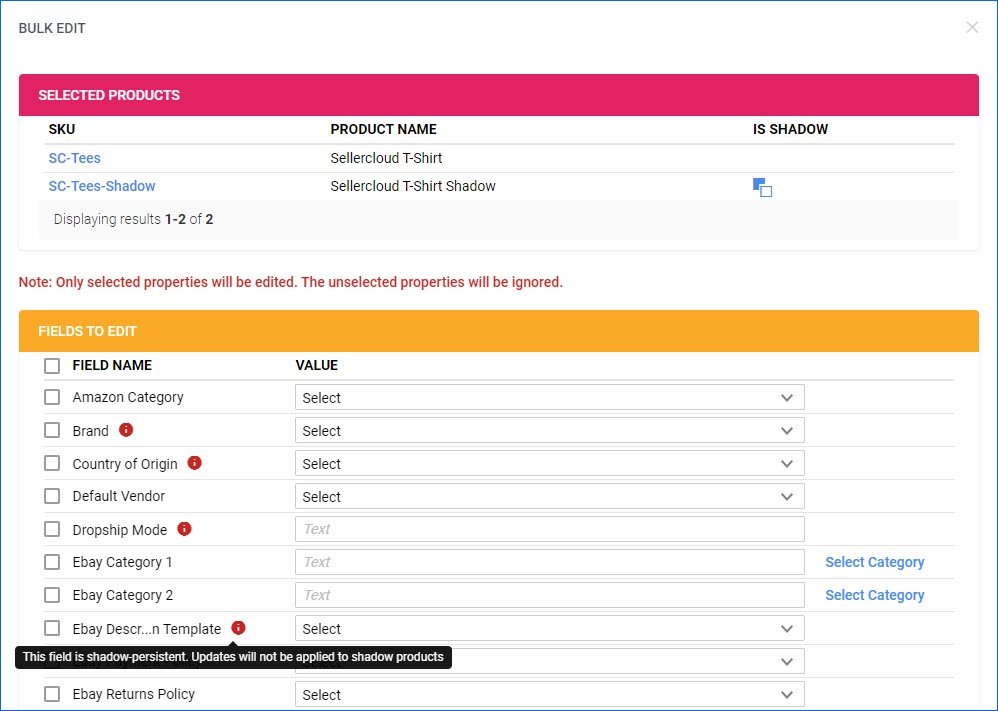
Bulk Edit Products

We have added the Bulk Edit action to the Manage Catalog page. This action allows you to update the details of several products at once. Some of the fields available for bulk editing are Channel-Specific categories, Brand, Default Vendor, Replenishable status, Shipping Preferences, and Product Type.

Improvement May 30, 2024

Filter by Vendor SKU

We have added a Vendor SKU filter to the Add Receive Session modal for the Vendor Invoice Reconciliation workflow. This makes it easier to identify the correct sessions if the Vendor SKUs don’t always match your Sellercloud Product IDs. Additionally, the Vendor SKU column was added in the same modal, as well as in the Existing Sessions panel on the Invoice Details page.