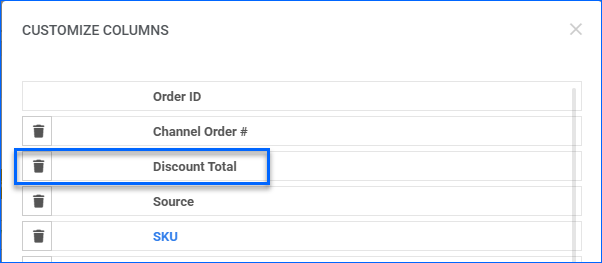
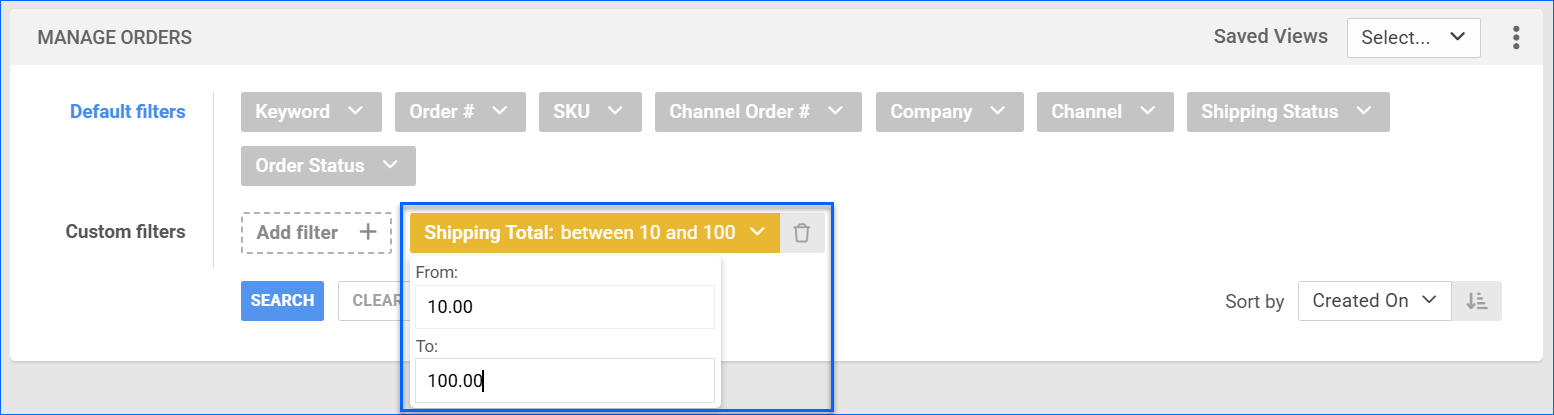
We have added a new filter to the Manage Orders page: Shipping Total. It allows you to select a range for the total cost of outbound shipping billed to the customer.
Order Note Users Restriction
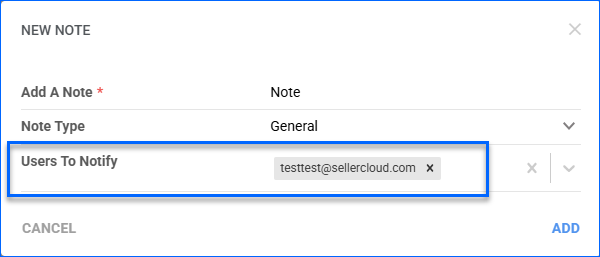
The Users to Notify dropdown in the Add Order Note pop-up will now only display employees who have permissions for the order company.
Order Subtype Column
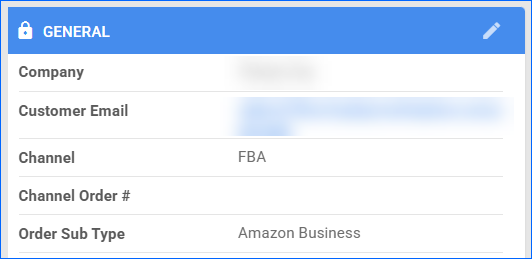
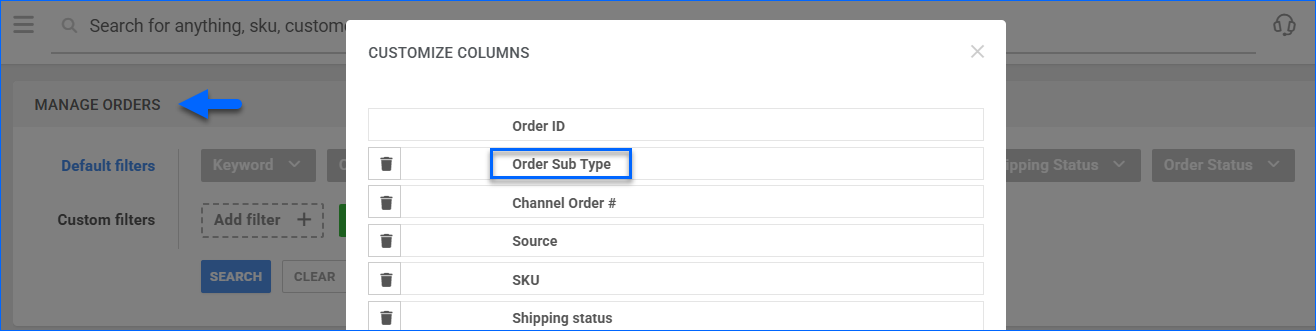
We have added Order Sub Type as an optional column on the Manage Orders page. When selected, the results grid will display whether each order is marked as Prime, Amazon Business, Sample, etc.
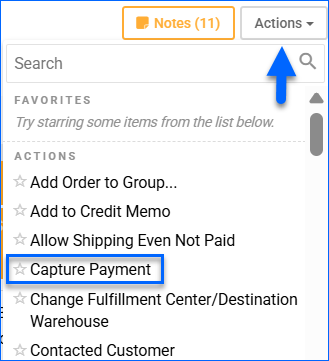
Capture Order Payment
We have added a new action to the Order Details page: Capture Payment. It is available for Website orders imported via a Cart Plugin, such as BigCommerce. This action allows you to initiate capturing payment for Authorized orders.
Direct Fulfillment Label Filter
We have added the Direct Fulfillment Label Received filter to the Manage Orders page, with True, False, and All operators.
Order Weight Filter
The Manage Orders Page now has the Order Weight custom filter. It allows you to select a range and the specific unit of measure: Pounds, Kilograms, Ounces, or Grams.
Billing and Shipping Address Country
We have updated the Billing Address Country and the Shipping Address Country conditions of our Order Rule Engine. They now have the additional Is In and Is Not In operators, and you can select multiple countries.
Receiving Sessions Filter Update
We have added a new option to the Invoice Status filter on the Manage Receiving Sessions page: Open or Partially Invoiced. It allows you to pull a combined list of results that includes sessions that match either of the two statuses. 
Walmart DSV: Multiple Tracking Numbers
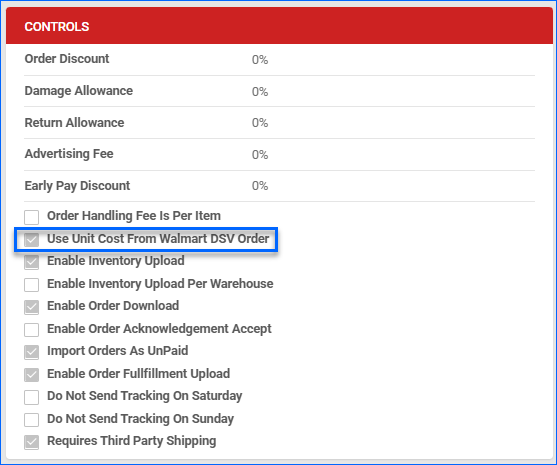
We have adjusted the Tracking Export functionality for Walmart Dropship (DSV) Orders. Going forward, if you ship an order with multiple packages, we will send all related tracking numbers to Walmart. The Enable Order Fulfillment Upload company setting must be enabled to export shipping information automatically.
Your Shipping Cost Filter
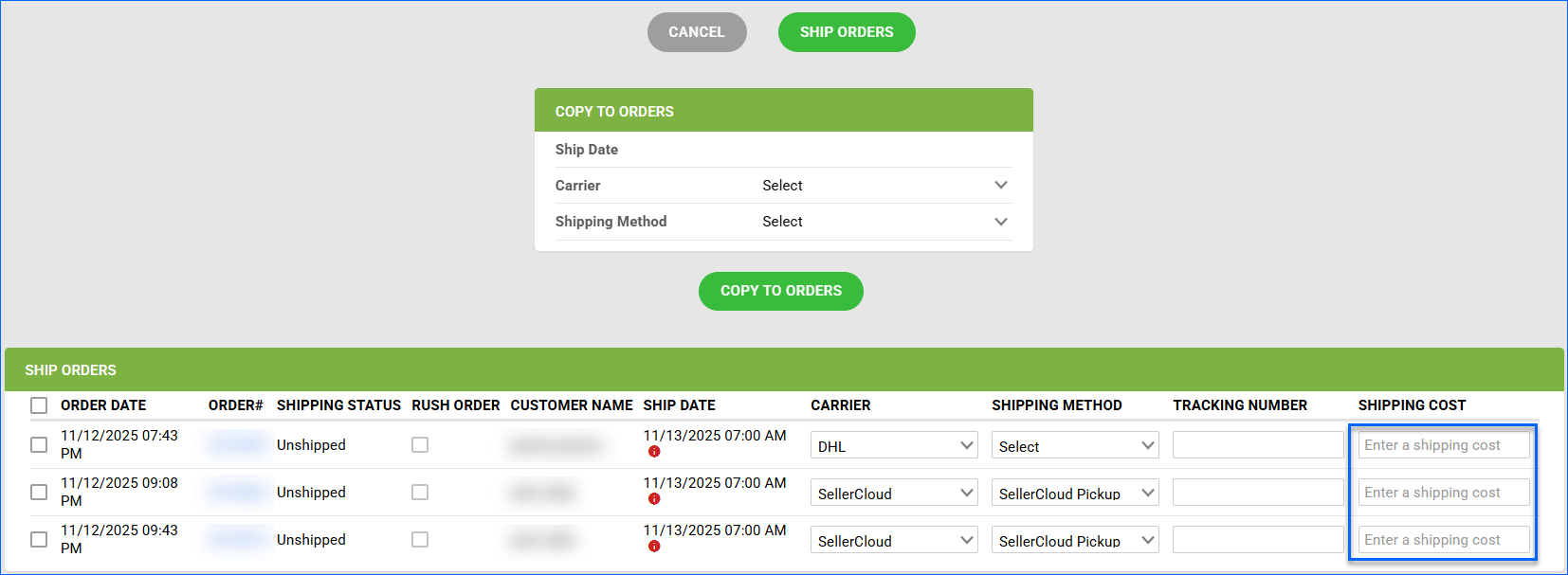
You can now search for orders using the Your Shipping Cost filter in the Manage Orders page. It filters by the value of the Final Shipping Fee field of your orders and has From and To operators, that allow you to enter a range.