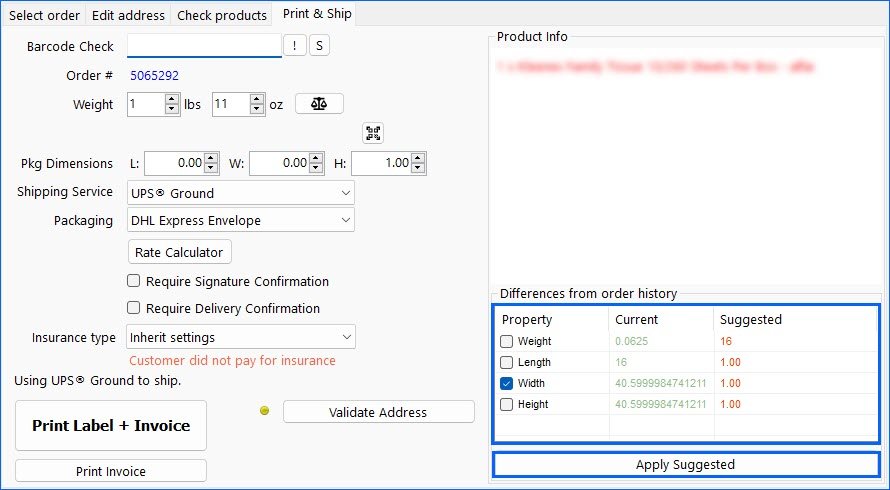
If you have enabled the Predicted Shipping Details workflow in Sellercloud, you can now configure Shipbridge to take into account those values when using Scan and Ship. Enable the setting Check and warn for service or dimensions inconsistencies using AI to see and apply the suggestions in the Print & Ship tab.

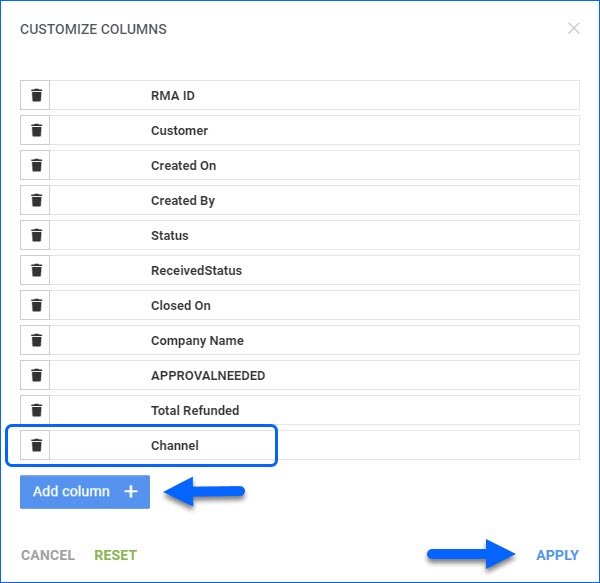
RMA Grid Columns: Channel
You can customize the results grid columns on the Manage RMAs page. We have added a new optional column for Channel, which will display the Order Source of the RMA. 
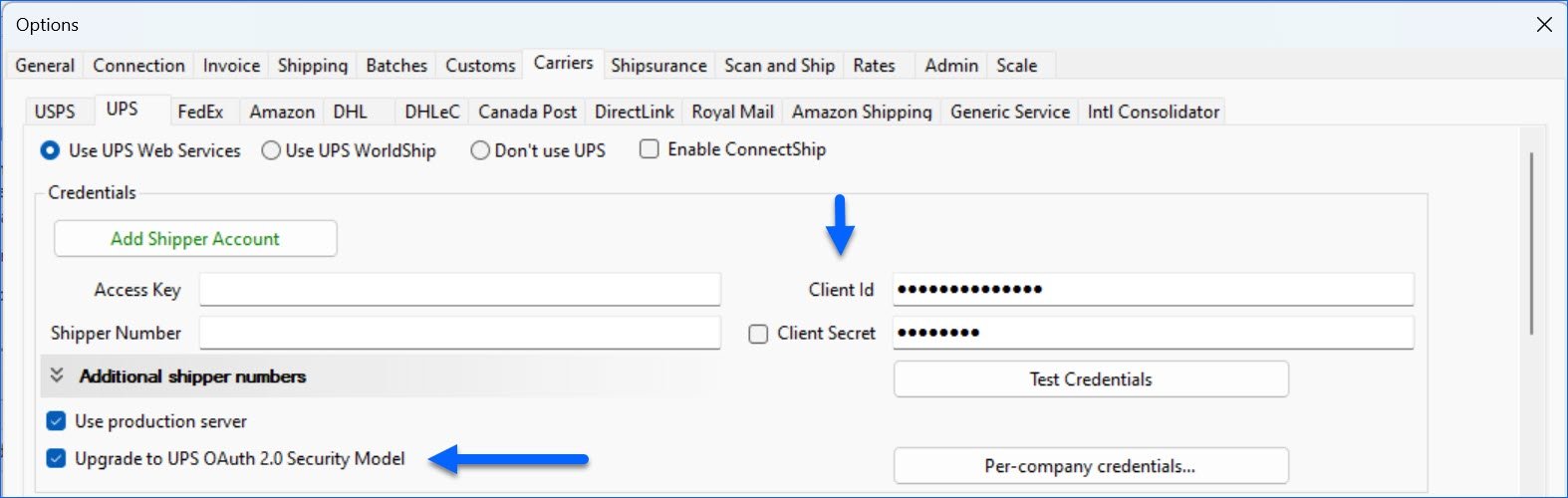
UPS OAuth 2.0 Compatibility
Shipbridge is now fully compatible with the new UPS OAuth 2.0 integration method. To ensure a smooth transition, we encourage you to update your credentials before the deadline: June 3rd, 2024.
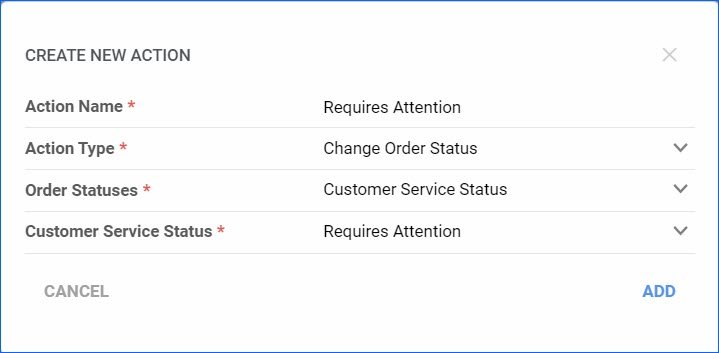
Update Customer Service Status
You can now use the Order Rule Engine to change the Customer Service Status of your orders. You can mark them as Requires Attention, which can, in turn, move them to the Requires Attention tab in Shipbridge, or you could revert them back to No Action Needed.
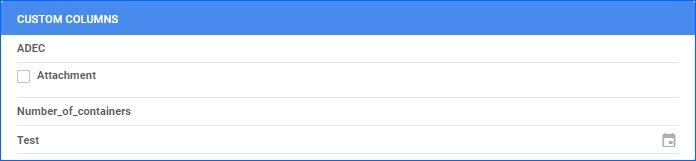
Arrange PO Custom Columns
It is now possible to request that the Custom Columns of your Purchase Orders be arranged in the order that best suits your workflow. 
Employee Filter and Movements Mode
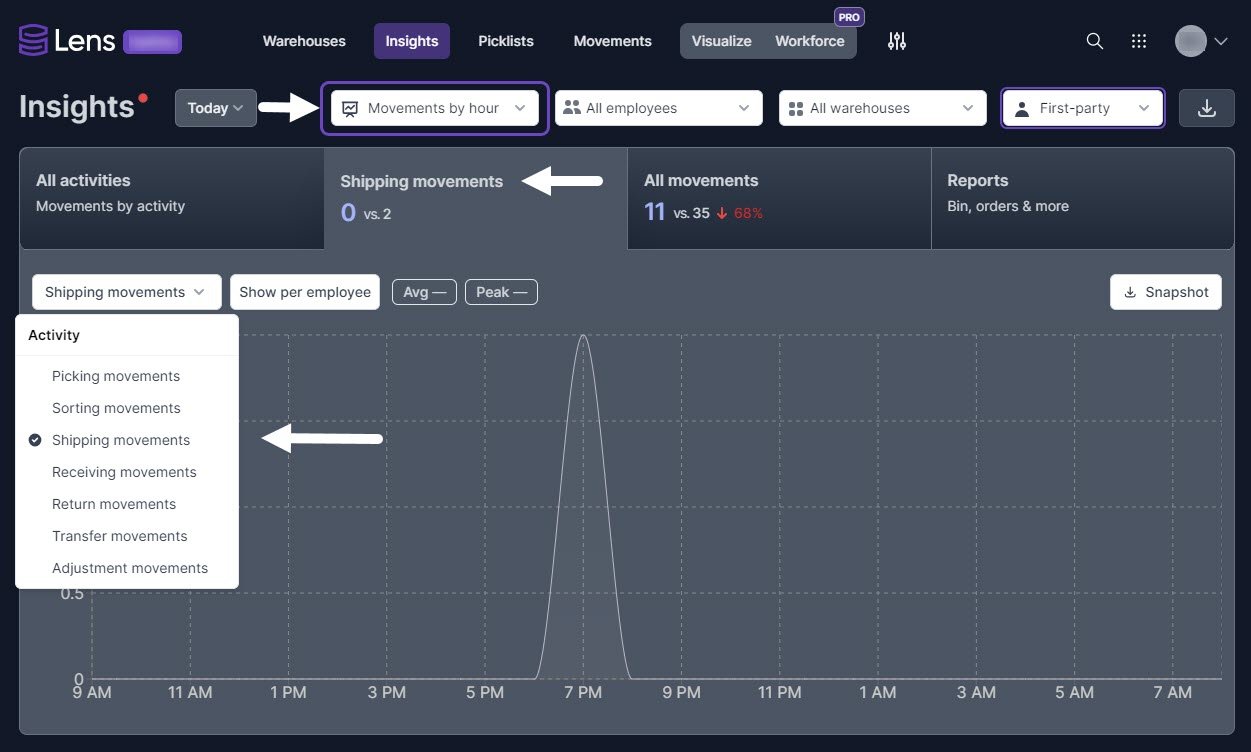
We have made two new additions to the Insights Tab in Skustack Lens:
- You can now filter out the movements per specific Employee, helping you focus the information on exactly what you want to see.
- Movements Mode – you can now choose between Total Units mode and the new Movement mode. When viewing movements, you can filter by type and see insights into each activity type.

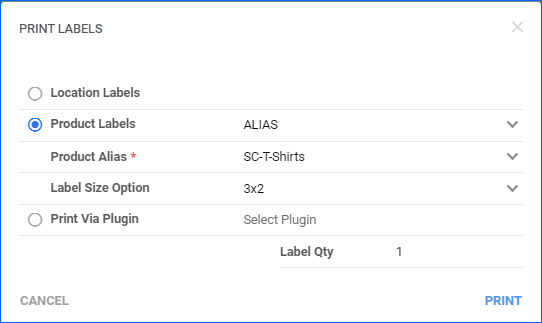
Product Labels: Alias
You are now able to Print Product Labels using one of the SKU’s existing Aliases. We have added this option to the pop-up dialog that you can reach via the PrintLabels Action on the Product Details page.
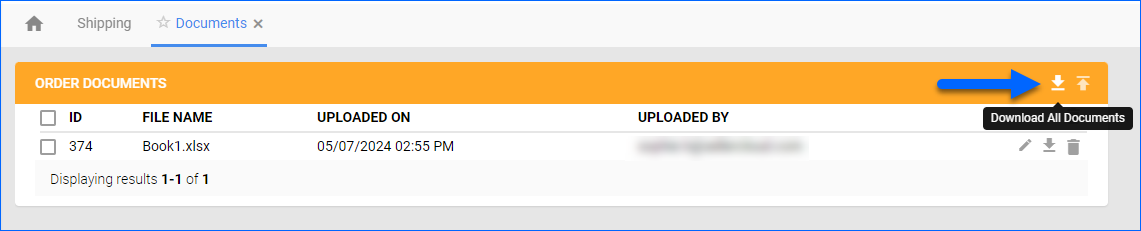
Download All Documents
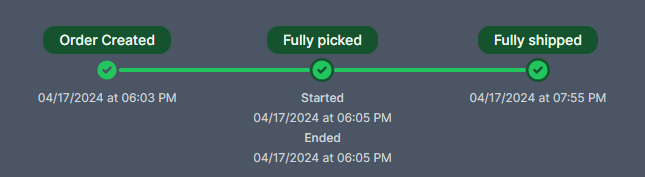
Order Timeline in Search Results
Using the Global Search (Find Anything) in Skustack Lens provides several additional details for each result. When searching by Order ID, the modal now displays a timeline of key events. You can also hover over the Picked and Shipped pills to see an additional tooltip with information about the user, associated bins, and picklist.
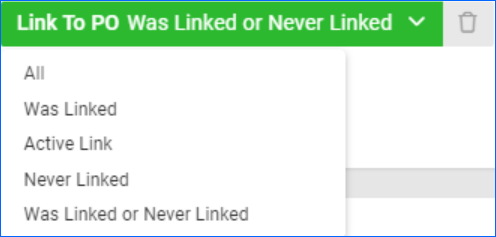
Was Linked or Never Linked to PO
The Link to PO filter on the Manage Orders page now has the Was Linked or Never Linked options. When you select this, the grid will display all orders that fulfill either of the two requirements. Was Linked refers to orders that used to have an active link to a PO but no longer do. Never Linked are orders that were never linked to a Purchase Order.