On the PO Details page, Qty in the container is now a clickable link. When opening the link, it will show which Containers the inventory is in, giving the user a better idea of where their product inventory is located in the warehouse.

Basic Inventory Export
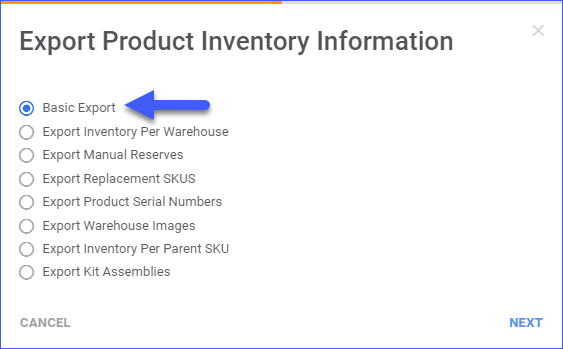
A new export option has been added under “Export Product Inventory Information” called “Basic Export”. This option allows you to see a simple export of all selected items. It can be found after selecting SKUs, in the Action menu choosing “Export Products(Inventory)” and selecting “Basic Export” followed by the file type such as Excel, CSV, or TAB.
View Products in Manage Catalog
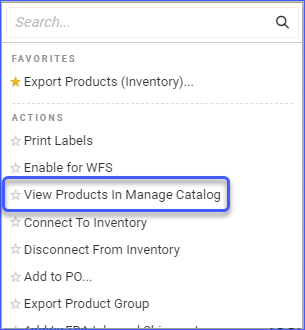
The option to “View Products in Manage Catalog” can now be found in the Action Menu of the Manage Inventory page. This will help the user easily load the selected product in Manage Catalog.
Bulk Update User Permissions
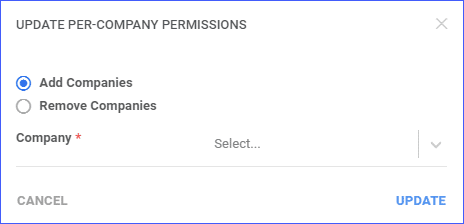
Company Permissions for Employees can now be updated in bulk from the Manage Employees page by selecting the employees and from the Action menu choosing “Update Per-Company Permissions”. This helps control the companies that employees can access in bulk rather than individually per user.
Activity Overview
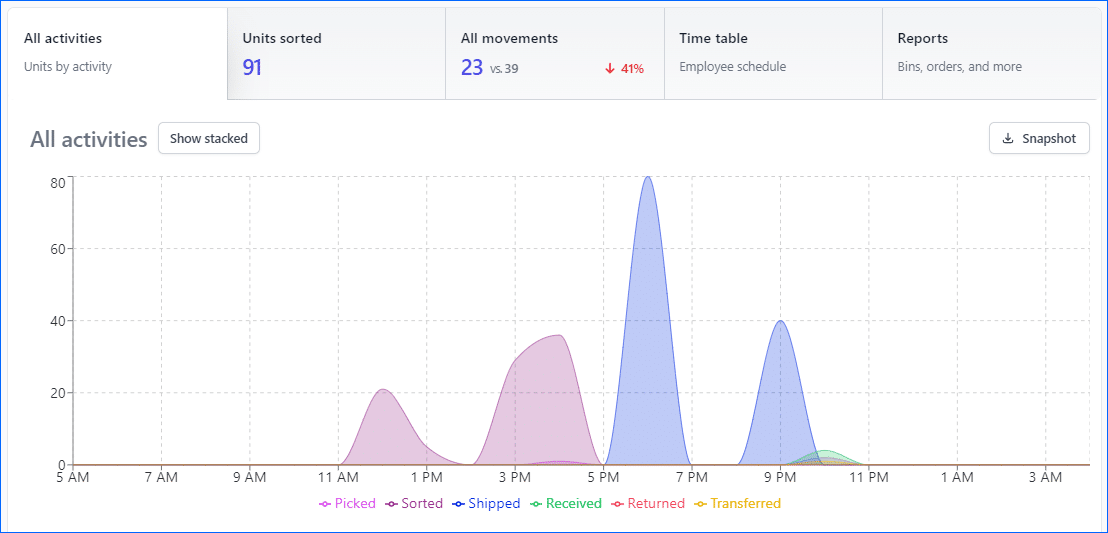
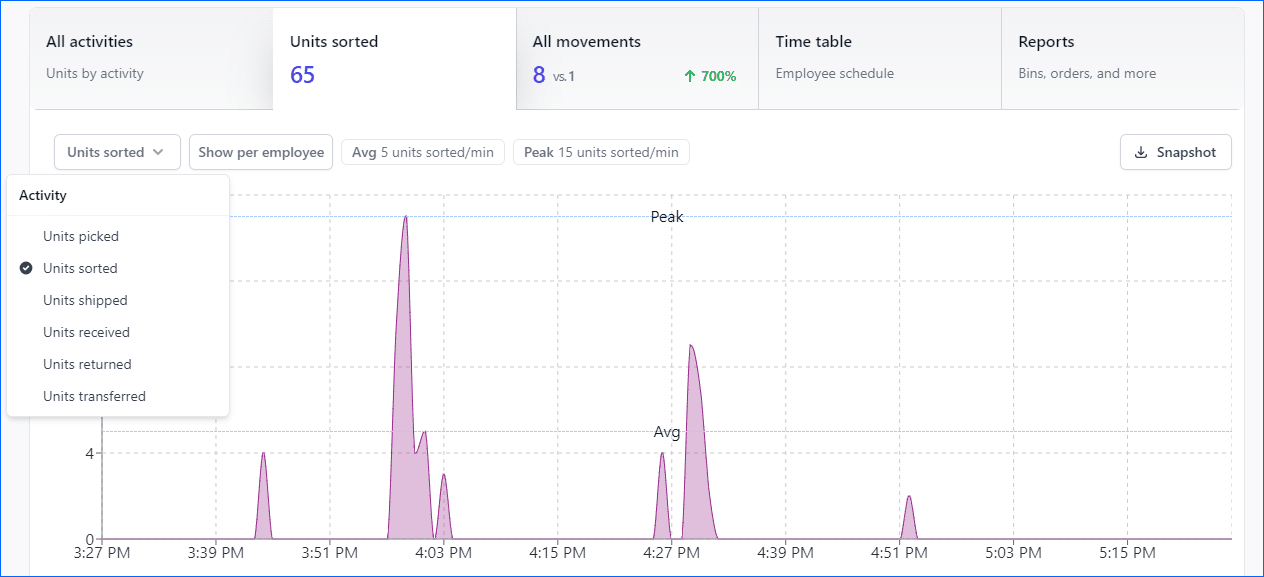
Skustack Insights now have an Activity Overview which allows users to monitor how different activities overlap over a period of time.
Movement Type Filter
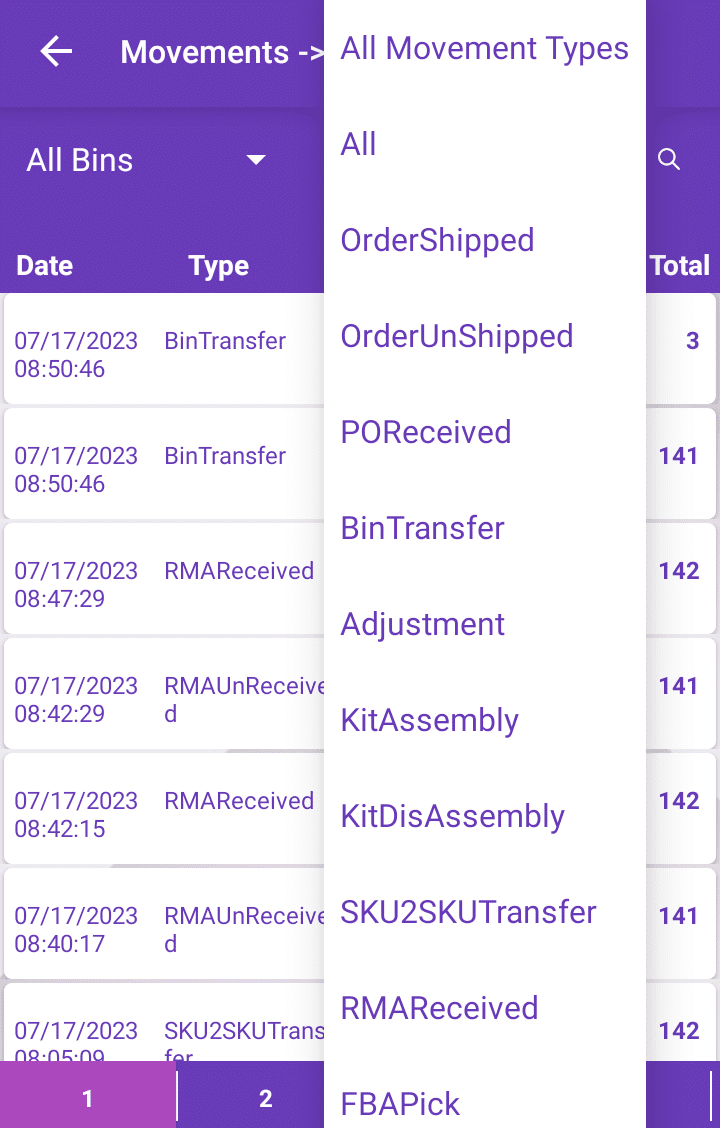
The Bin Movement Activity page in the Skustack App now has the option to filter by Movement Type.
Export Dimensional Weights
The field Dimensional Weights field from the Shipping Preferences page of a product can now be exported in bulk with a Custom Export.
Export Product Company Name
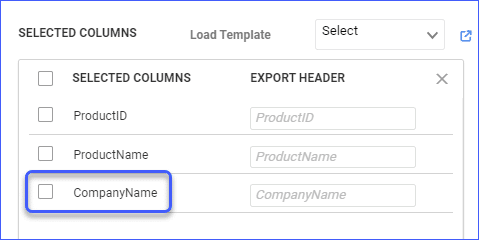
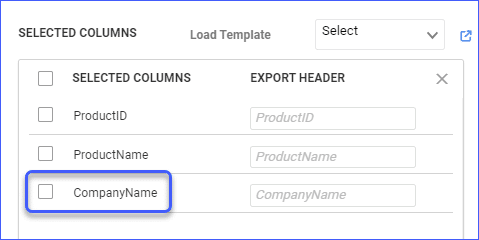
The field Company Name has been added when exporting products via Custom Export. Previously, only Company ID was available, now you can also add the column and see the name of the company that the products are under.
Insights – Units Sorted Activity
Edit Permissions for Quickbooks Exported Orders
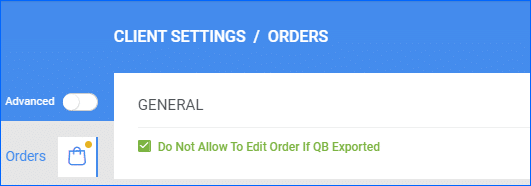
Orders that have already been exported to Quickbooks will no longer be able to be edited by default. This can prevent any issues that would occur by making changes to an order after the data is already in Quickbooks. However, this restriction is controlled by the Client Setting “Do Not Allow To Edit Order If QB Exported”.