Webinar
Walmart MCS + SSS for Smarter Shipping & Fulfillment
June 17
Register Now

Product updates: New

New October 12, 2023

Reprint Package Labels

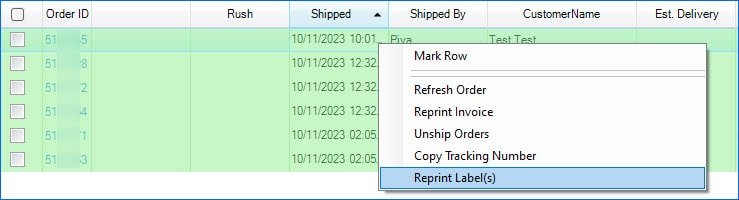
Going forward, whenever you print a shipping label from a Shipbridge installation running the latest version, those labels will be saved on your Sellercloud server in addition to the local file path. This means you will be able to reprint any labels generated from FedEx, UPS, Endicia, and Amazon from any other Shipbrige installation. This workflow considers separate packages as well, so multiple labels per order will be accounted for and saved.

New October 10, 2023

Predictive Restocking Level Two and Blackout Days

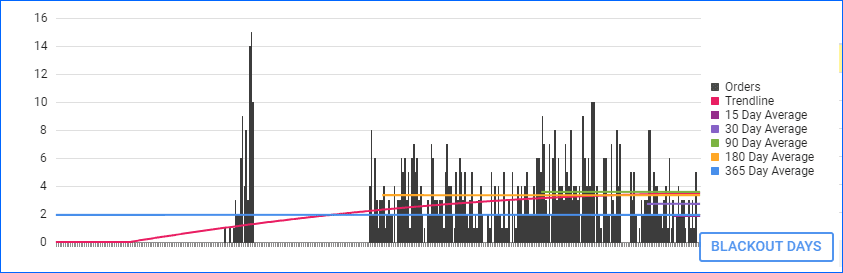
We have rolled out our Enhanced Predictive Restocking for FBA Report. In addition to our standard Predictive Restocking for FBA report, you will now be able to see a comprehensive Sales Graph, that displays the daily sales for the past 365 days. You can see number of orders, sales trends over time, as well as average sales velocity. Additionally, we have added a Blackout Days feature that allows you to exclude specific days, entire date ranges, or sale quantities that are above or below specific numbers from the calculation. For example, if there was a sales spike or there were no sales, you can exclude these days so they don’t skew your restocking numbers.

New October 6, 2023

Preview Order Documents

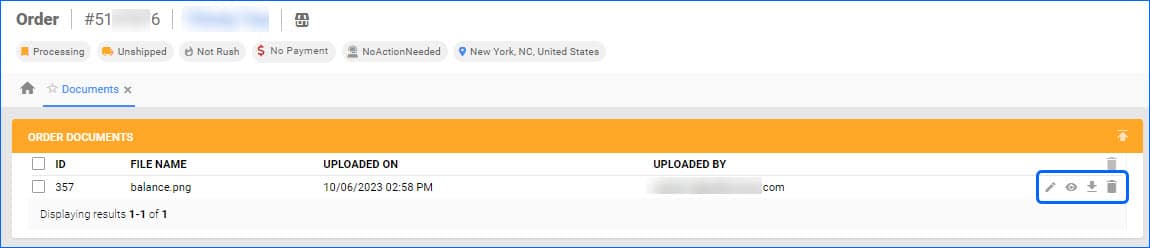
We have added the option to preview images attached as order documents, without having to download them first. You can find the new Eye icon on the Order Details Page > Toolbox > Documents.

New October 3, 2023

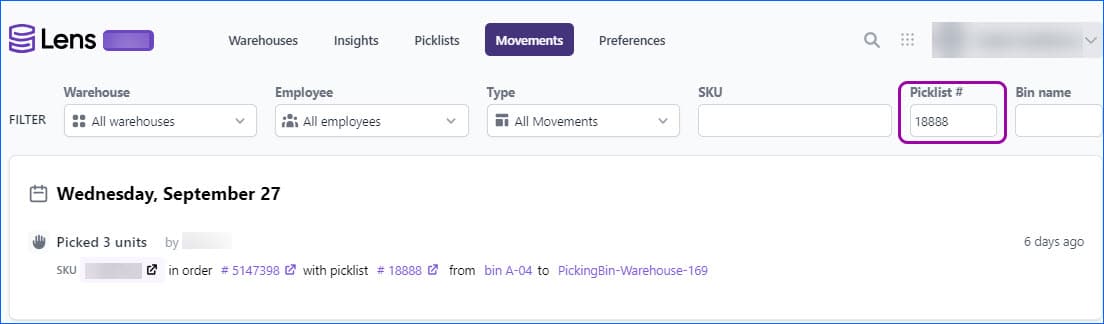
Filter by Picklist ID

We have added a Picklist fileter in the Movements Tab in Skustack Lens. Enter a Picklist ID to see all associated movements, with additional information about number of units Picked, SKU, which Order the item is for, as well as the From and To Bins.

New October 3, 2023

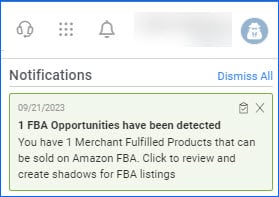
Notifications

We have rolled out a new User Notification Feature in our Delta Interface. Click on the Bell Icon in the top right corner of your screen to see a dropdown of your most recent notifications. They are also color-coded, based on priority, with red being the most urgent. Click on the notification to be redirected to the relevant page. Notifications can include Queued Job success and failure, FBA Opportunities, and more.

New September 29, 2023

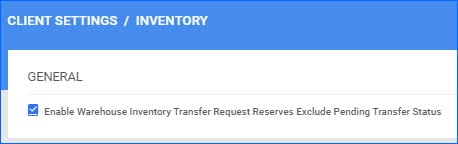
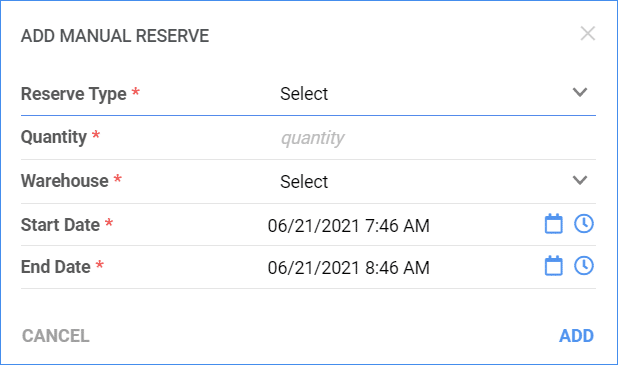
Inventory Transfer Reserves

Warehouse Inventory Transfer (WITR) is an easy way to move inventory between your Sellercloud Warehouses. We have added a new Client Setting that allows you to control when Inventory will be reserved as a result of the transfer. By default, Sellercloud reserves all the Quantity within a WITR as soon as it is created. However, “Enable Warehouse Inventory Transfer Request Reserves Exclude Pending Transfer Status” now lets you exclude Transfers with Pending Status from being reserved and deducted from your Available Inventory. Additionally, enabling this setting automatically triggers a Queued Job that will recalculate the Inventory of all Pending Transfer SKUs to account for the change.

New September 22, 2023

FBA and WFS Kit Client Setting

We have added the Advanced Client Setting FBA and WFS Shipments Ignore Negative Inventory When Assembling Kit to our Delta Interface. If you have configured your account to validate inventory and to automatically assemble Independent Kits when adding them to an FBA Inbound Shipment or WFS Shipment Plan, you can enable this additional client setting. Its purpose is to take into account any negative quantity on the Kit and only assemble the number necessary for the Shipment, letting you keep the original negative amounts for inventory tracking purposes.

New September 20, 2023

Warehouse Filter

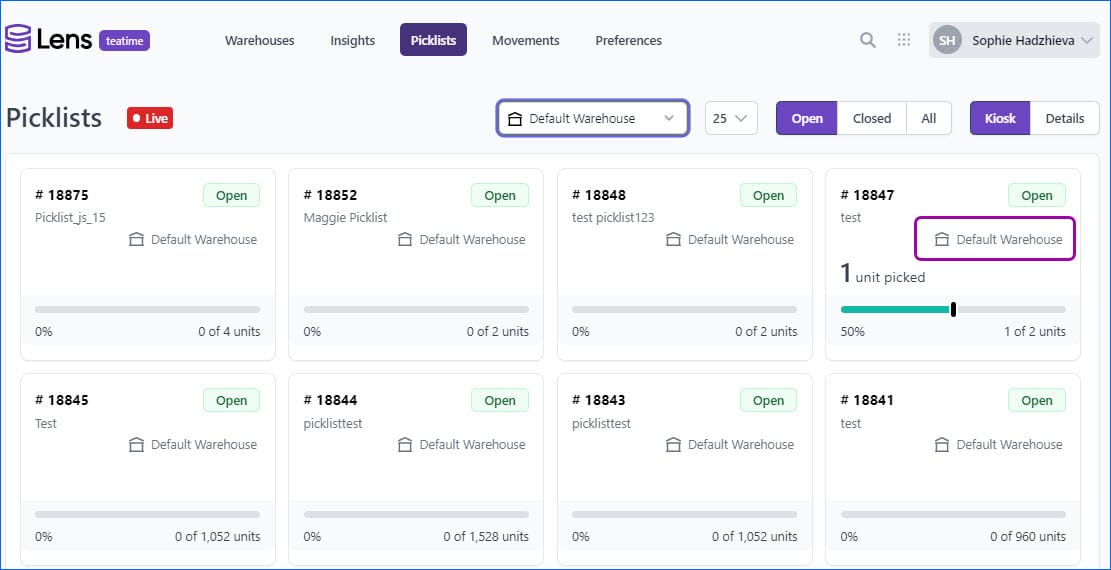
We have added a new filter to the Picklist Tab of Skustack Lens. You can now filter by a specific Warehouse name, and both Kiosk and Details Mode will only display picklists for that Warehouse. Additionally, in both modes, you will see the Warehouse name displayed for each individual picklist.