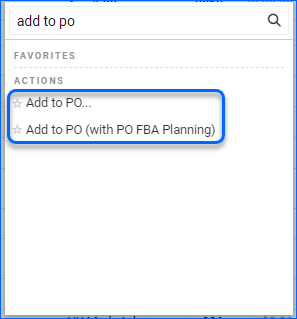
The following actions have been added to the Manage Catalog Page:
- Add to PO
- Add to PO (with PO FBA Planning)
This allows you to add products to a PO from your catalog instead of the PO itself.
The following actions have been added to the Manage Catalog Page:
This allows you to add products to a PO from your catalog instead of the PO itself.
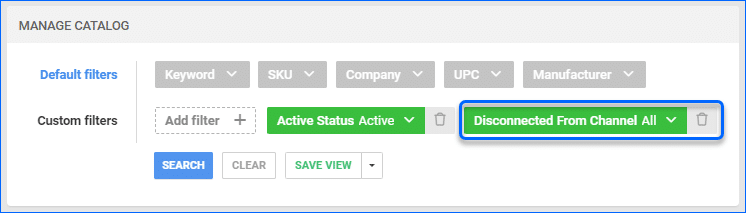
You can now filter by Disconnected from Channel under Manage Catalog. This allows you to see items that are set to be Disconnected from the selected channel in the search results.
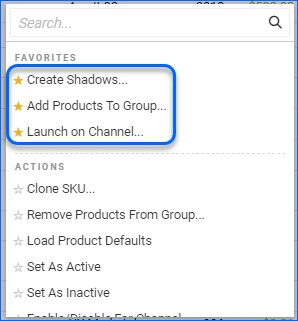
You can now “favorite” an action on the following Manage pages which will pin them with a star to easily find them when re-visiting the page.
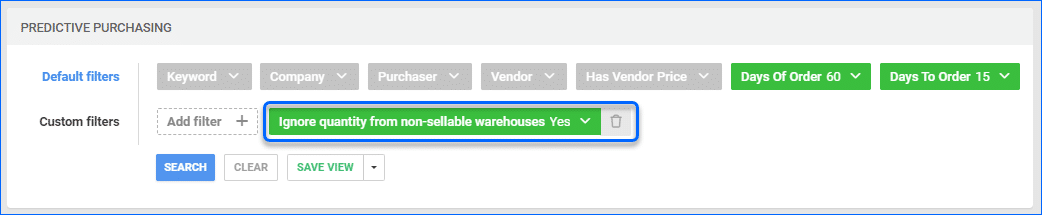
The filter “Ignore quantity from non-sellable warehouses” is now available on the Predicted Purchasing page. 
The column DateOrderedDateOnly has been added to the PO Export Mapping Tool. This can be mapped to export the original date of the purchase order.
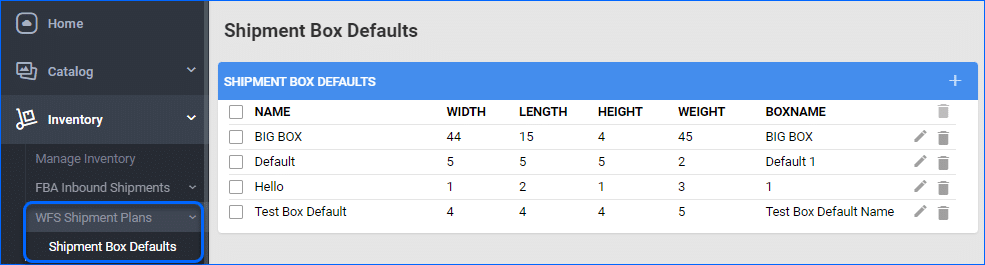
You have the option to set up customized FBA Shipment Box Defaults and use them later when creating new shipments. The FBA Box Defaults will now be applied for WFS Shipments as well.
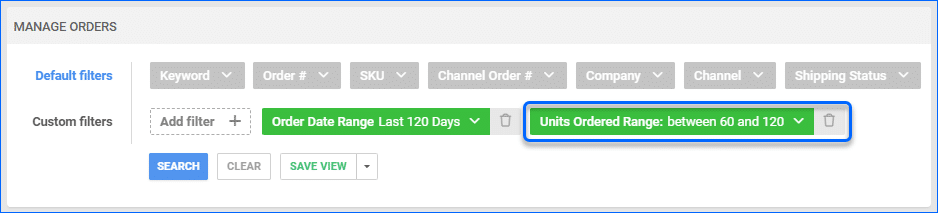
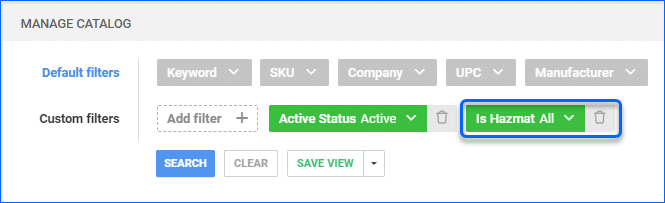
You can now filter products by their Hazmat status using the “Is Hazmat” filter. This can be found under Manage Inventory in Alpha and Manage Catalog in Delta.
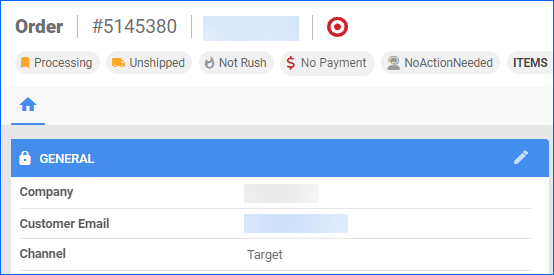
Target Orders that include a “ship from” warehouse in the 850 Order File will be set accordingly based on the locations mapped in Sellercloud.
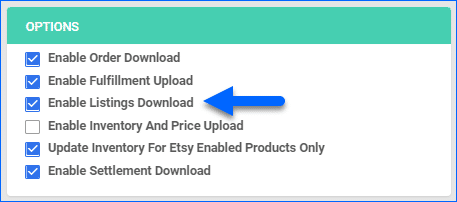
The setting “Enable Listings Download” is now available on the Etsy General Settings page. This will be enabled by default and allows the Active Listings Report to be pulled from Etsy. When disabled, the Active Listing report will not be requested, unless inventory upload is enabled.