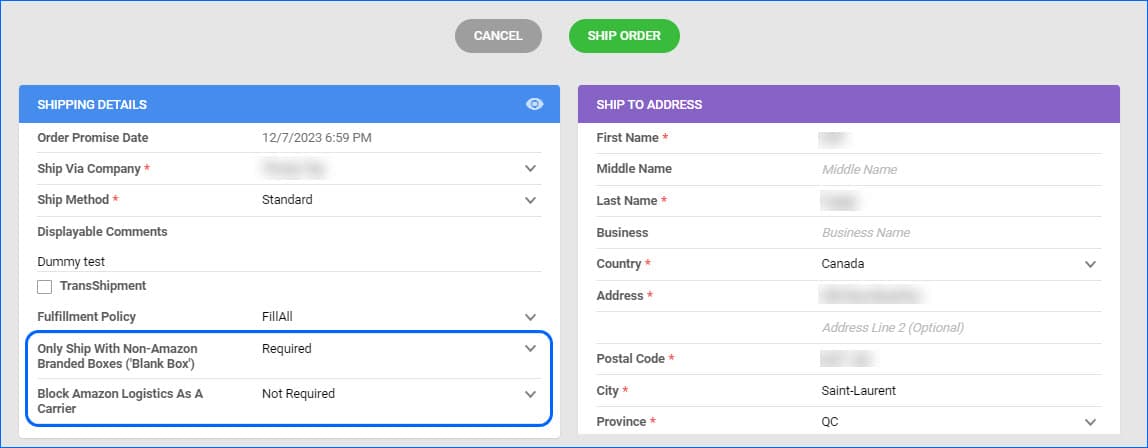
Amazon’s Multi-Channel Fulfillment Program allows sellers to choose whether the order will be fulfilled with Amazon Logistics and using a Blank Box – clear of any Amazon branding. These options are called Feature Constraints, and until recently, they were only available for domestic (US) orders. Since they became available through Amazon’s API for CA orders as well, we have added support for both options for all orders imported under your companies configured for Canada.
Mark a Picked Order as Void Restriction
We have added a restriction regarding which orders can be marked as Void. If an order has been Partially or Fully Picked with Skustack, you will not be able to void it, as that would cause inventory discrepancies in the related Bins. To void such an order, you should first Unpick the quantities with Skustack and then go back to Sellercloud to change the order status. 
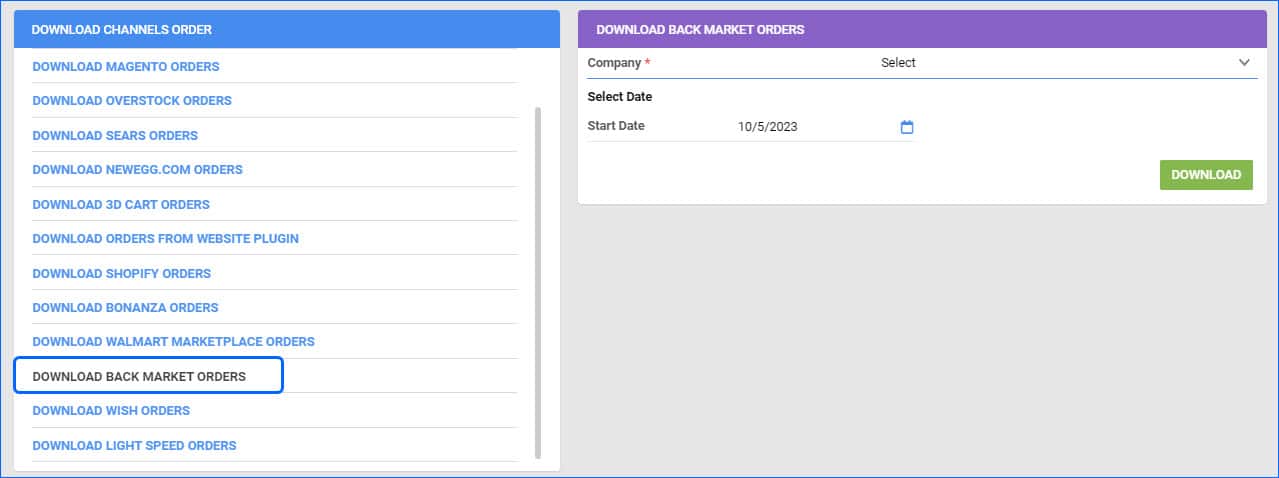
Download Orders from Back Market
The Download Orders From Channel page is a valuable tool for manually importing channel orders, especially right after completing the integration process. We have added the option to request all orders via the Back Market API, starting from a specific date.
Delay Order Rule Engine Execution
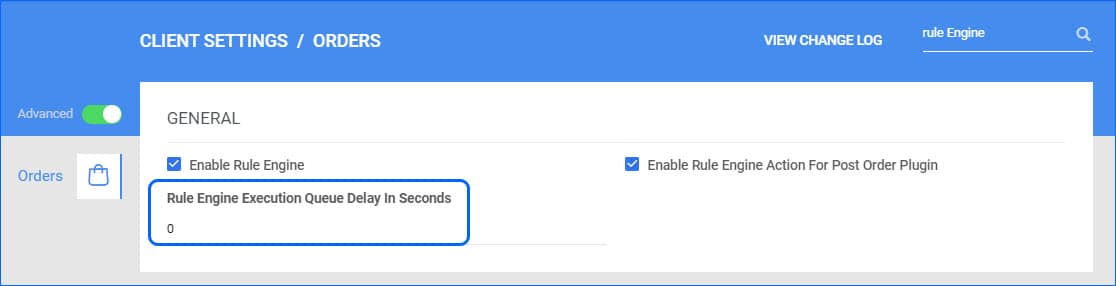
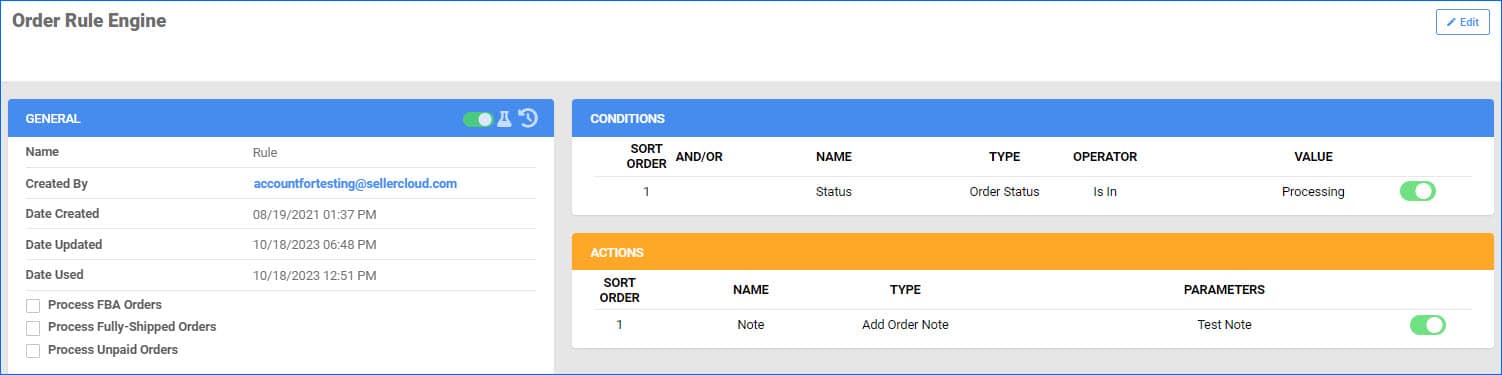
The Order Rule Engine is a Sellercloud feature that lets you create your own automation triggered immediately after order creation. However, in some cases, you may need to delay this for a while if, for example, there is a delay in capturing the order payment. To address such cases, you can delay the execution of the rule engine by a few seconds. This is controlled by two admin settings, which can be configured for your account by a Support Representative or your onboarding specialist.
Post Action for Split Orders
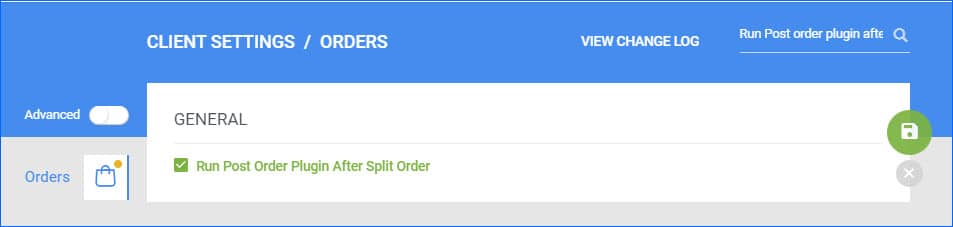
The Order Rule Engine and Post Order plugins, are types of automation you can set up in your account that will affect an order as soon as it gets imported. By default, Sellercloud only runs them for orders imported automatically or created manually. We have added the new Client Setting “Run Post Order Plugin After Split Order” which will allow Sellercloud to also apply those Post Order Actions to a Child Split Order as soon as it is created, either manually or by another automation.
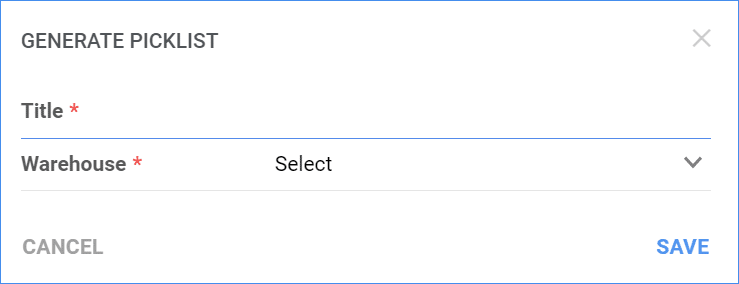
Picklist Creation Restricted Warehouses
Preview Order Documents
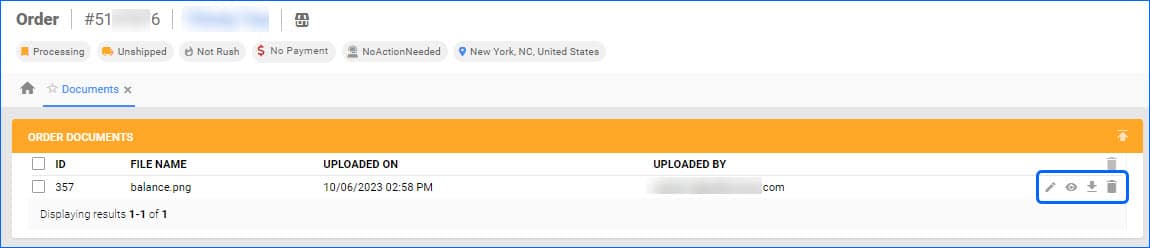
We have added the option to preview images attached as order documents, without having to download them first. You can find the new Eye icon on the Order Details Page > Toolbox > Documents.
Search Orders by Wildcard
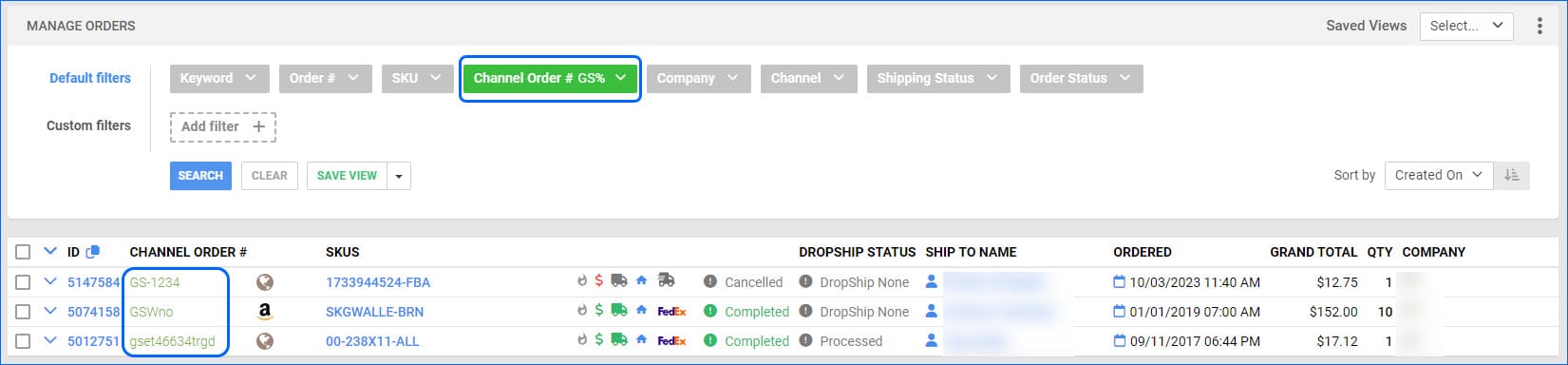
The Channel Order ID Filter on the Manage Orders page now allows searching by wildcard. Make sure to enter one value only and that it follows this format: 123test%. The results will include channel order IDs that begin with the value entered before the wildcard (the % symbol).
Order Rule Engine Manual Execution
We have improved the manual execution process for our Order Rule Engine. You are now able to customize which rules to execute, with the option to select All, including disabled rules, or to enter specific Rules, regardless of their enabled status. This will be particularly useful for testing newly created rules, or if you want to manually run them on specific orders in special cases.
Add Items to Order
You will now be able to filter SKUs by Product Group when you are adding items to an Order in the Order Creation Wizard.