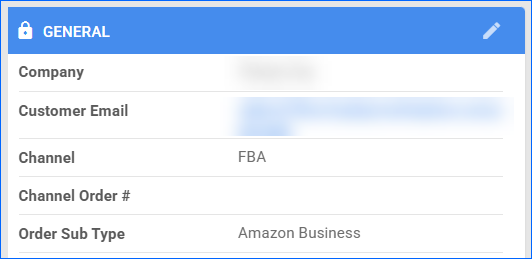
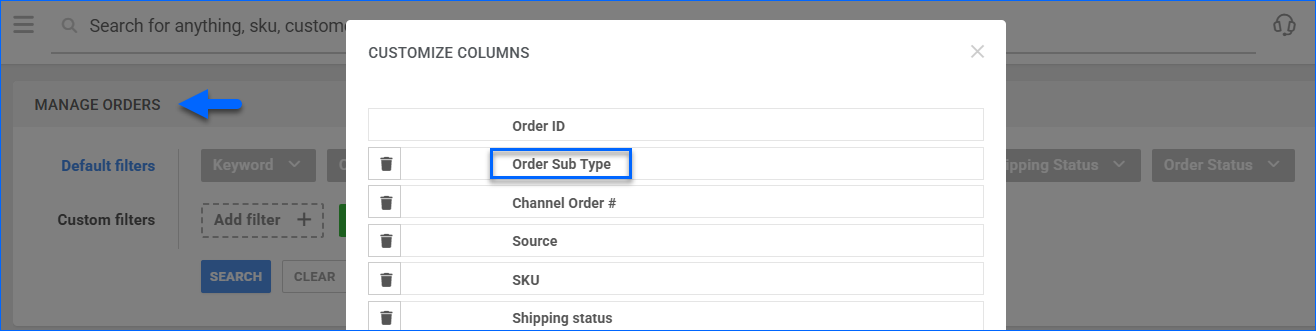
We have added Order Sub Type as an optional column on the Manage Orders page. When selected, the results grid will display whether each order is marked as Prime, Amazon Business, Sample, etc.
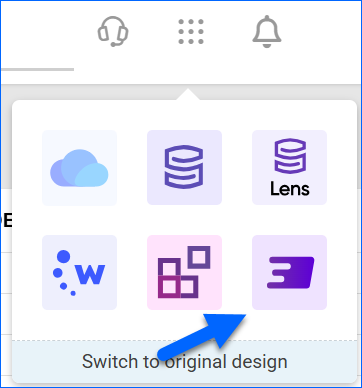
Orderback: App Switcher
We have added Orderback to the App Switcher across the Sellercloud Products. 
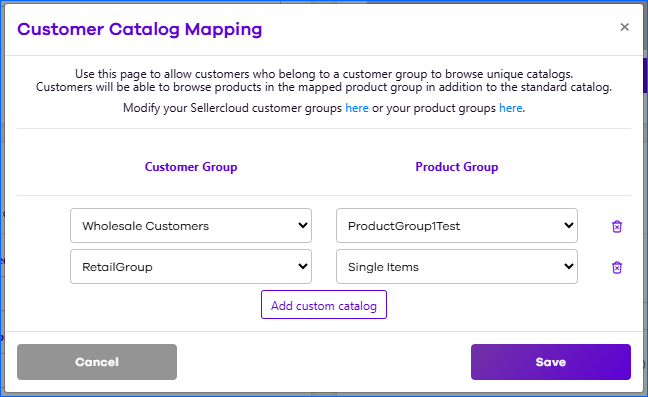
Markdown and Catalog Mapping
We have added two new features to the Orderback General Settings:
- Markdown – The Customize Text page now supports Markdown, allowing you to embed links and further stylize the text.
- Catalog Mapping – You can now map Customer Groups to specific Product Groups, to ensure each customer has access only to the relevant products.
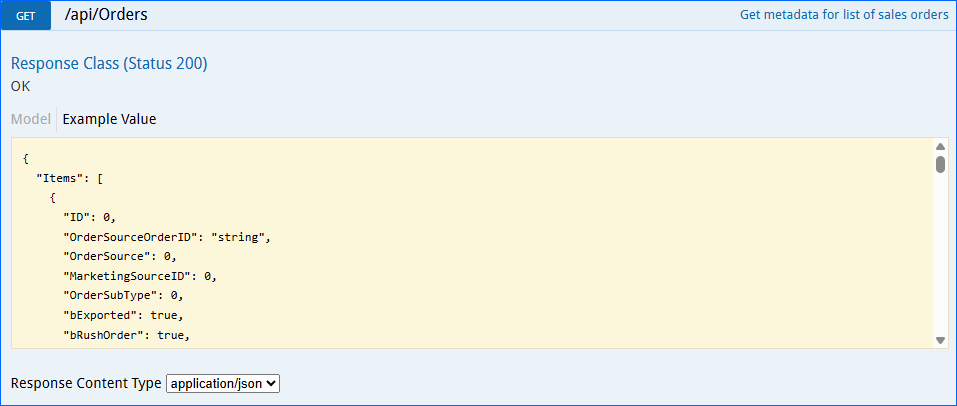
Filter by Users Group
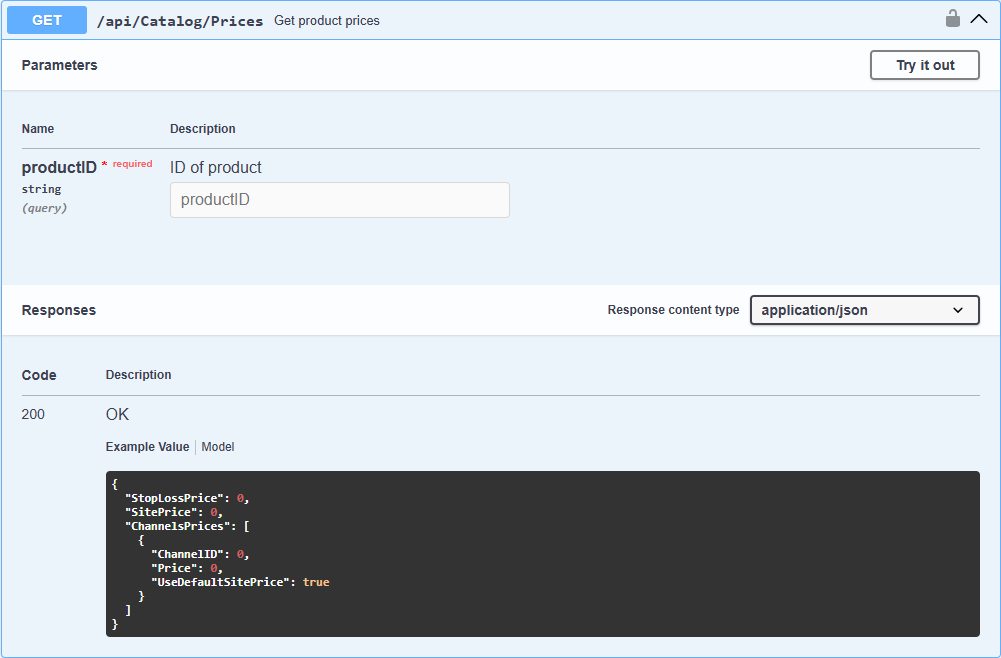
We have added the Users Group filter to the Get All Orders endpoint of our REST API. 
Billing and Shipping Address Country
We have updated the Billing Address Country and the Shipping Address Country conditions of our Order Rule Engine. They now have the additional Is In and Is Not In operators, and you can select multiple countries.
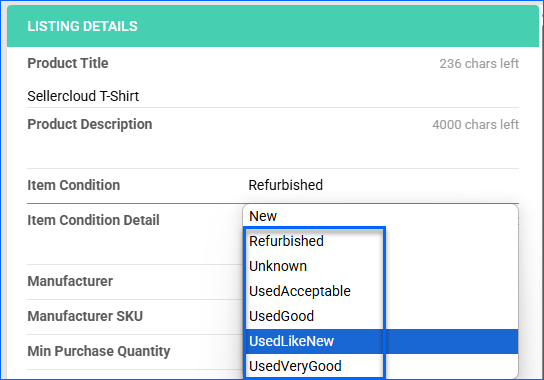
MSRP for Newegg.com
We have updated the information we send when you post a new product on Newegg.com. Going forward, we will only include the MSRP if the item condition is not “New”. This change allows us to comply with the channel’s listing requirements.
Related Kits Update
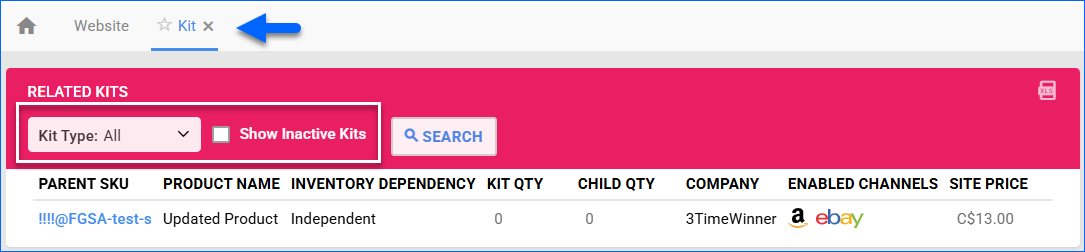
The Related Kits tab of the Product Details page now allows you to filter by Kit Type and Inactive status. This page is available in the Toolbox of products that are kit components.
Receiving Sessions Filter Update
We have added a new option to the Invoice Status filter on the Manage Receiving Sessions page: Open or Partially Invoiced. It allows you to pull a combined list of results that includes sessions that match either of the two statuses. 
Sales Comparison Details
We have completely reworked our Sales Comparison Details report in the Delta interface. It now loads data quicker and provides visualisation tools. See our help site article for more information.
PO Email Placeholders
We have added two new Placeholders for Purchase Order email templates: #?ShippingInstructions?# and #?PaymentTermName?#. They correspond to fields on the Purchase Order Details page, in the Shipping tab and Billing & Payments tab, respectively.