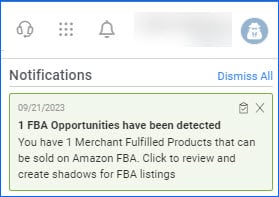
We have rolled out a new User Notification Feature in our Delta Interface. Click on the Bell Icon in the top right corner of your screen to see a dropdown of your most recent notifications. They are also color-coded, based on priority, with red being the most urgent. Click on the notification to be redirected to the relevant page. Notifications can include Queued Job success and failure, FBA Opportunities, and more. 

Related Task Filter for Queued Jobs
We have added a new filter on the Manage Queued Jobs page. Now, in addition to the Related Task column in the grid, you can also use it as a filter, to find all the queued jobs processed as a result of the execution of a specific Scheduled Task.
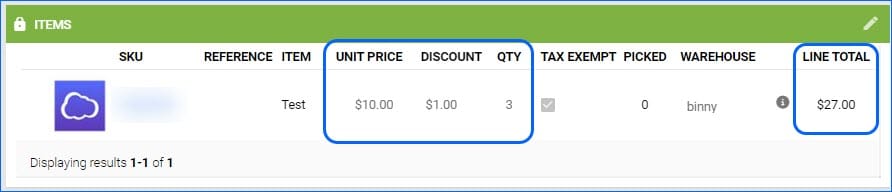
Line Total with Discounts
For any orders, where only separate items are discounted, you can now account for that in exports and invoices:
- If you are using the Export Mapping Tool, you can map the field bvc_OrderItem.LineTotalWithDiscounts
- In Word2PDF invoices, we have added support for the #?LineTotalWithDiscounts?# placeholder

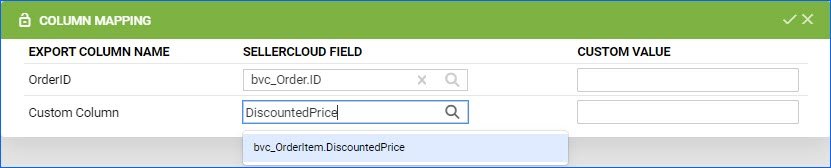
Export Order Item Discounted Price
You will now be able to export the Discounted Price of your Order Line items when using our Export Mapping Tool.
Automatic Emails for PO Change
You can set up an Email Template for a change made on a Purchase Order. Any time a PO is edited, you will receive this email. We have added support for a new placeholder: #?ActionByUserName?#, which will be auto-populated with the username of the person who made the change.
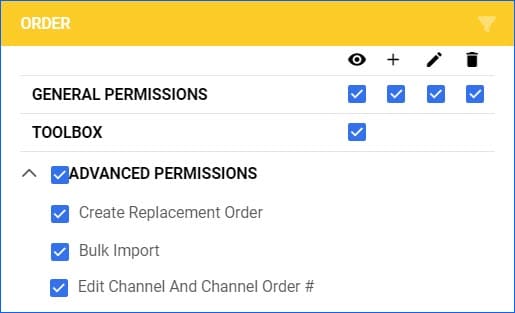
Delta Order Permissions
We added a new Advanced Option when configuring User Permissions for Orders. You can now decide whether an Employee would be able to change the Order Source (Channel) and the Channel Order ID of any given order. For any existing users who had Order Edit Permissions, this option will be enabled by default, so the functionality isn’t suddenly dropped.
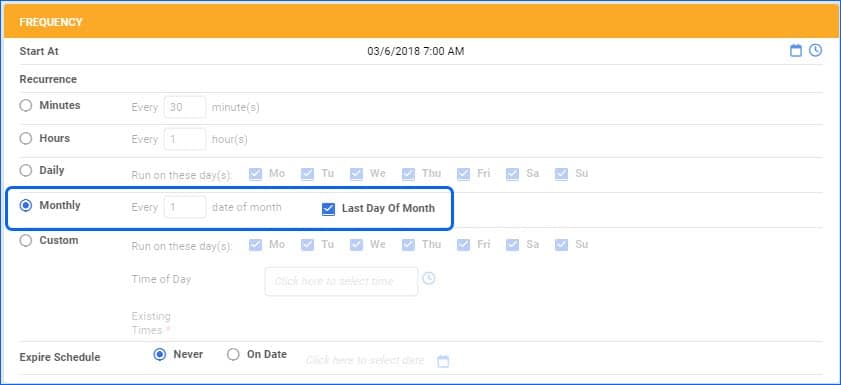
Scheduled Tasks Recurrance
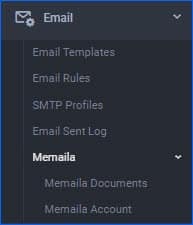
Set up Memaila in Delta
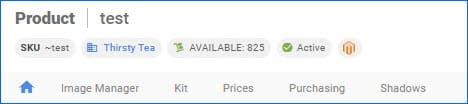
Enhanced Experience for New Users
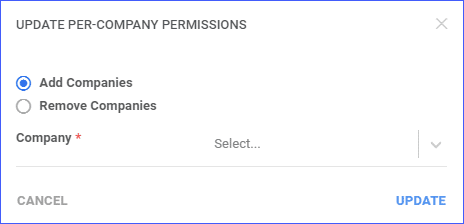
Bulk Update User Permissions
Company Permissions for Employees can now be updated in bulk from the Manage Employees page by selecting the employees and from the Action menu choosing “Update Per-Company Permissions”. This helps control the companies that employees can access in bulk rather than individually per user.