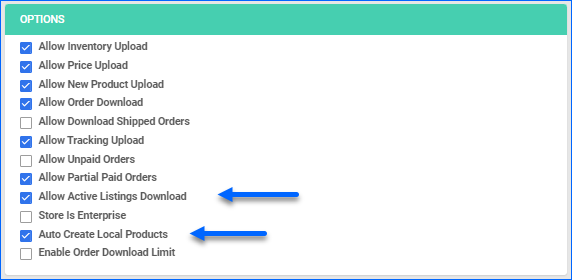
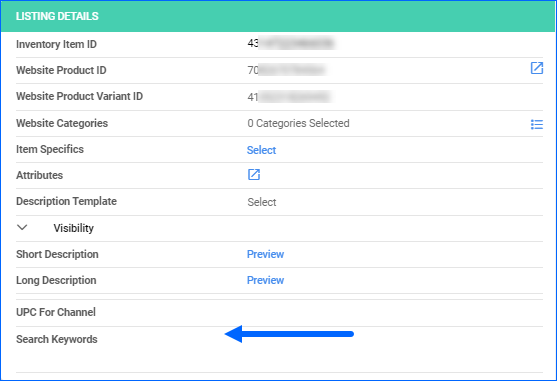
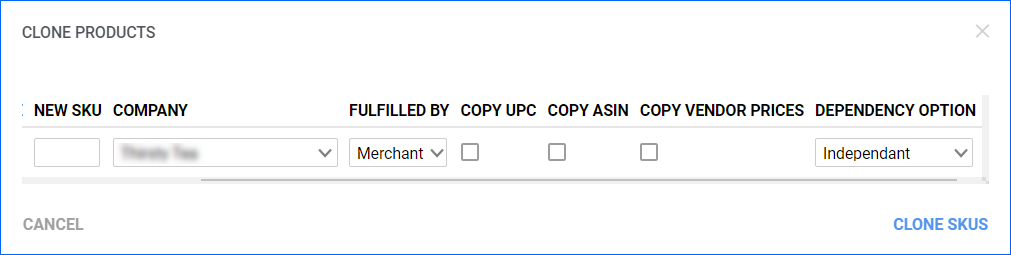
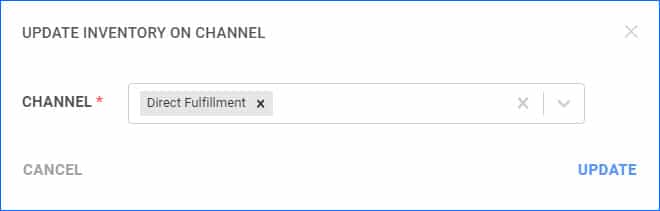
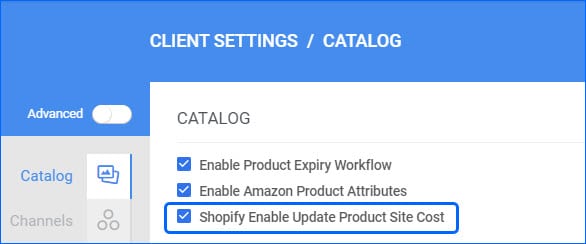
By default, when you Launch a new listing on Shopify from Sellercloud, we include the value from the Site Cost field in the API call. However, we have added a new Client Setting, which, when disabled, will exclude product cost information from being sent.
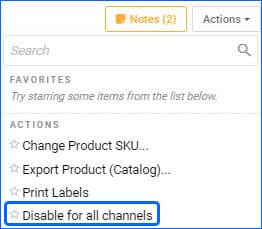
Disable for All Channels
When a product in Sellercloud is Enabled for a sales channel, that means Sellercloud regularly sends automatic Inventory (and in some cases Price) updates to that marketplace. We have added a new action on the Product Details Page (Catalog) called Disable for all channels that will allow you to quickly disable all the channels for that SKU without having to go to each channel-specific properties page to uncheck the boxes. 
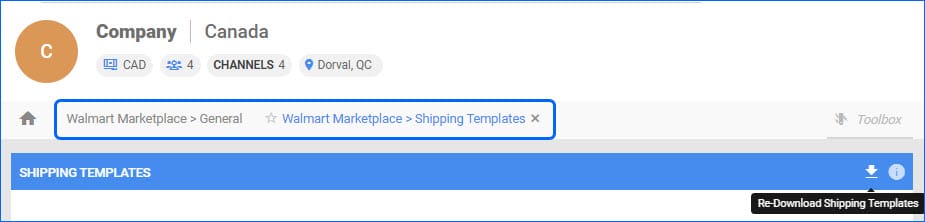
Download Shipping Templates from Walmart Marketplace Canada
Recently, Walmart updated their API to allow downloading predefined Shipping Templates and fulfillment centers for products for Walmart Marketplace Canada. We have added support for this in Sellercloud, and you will now be able to import existing Shipping Templates, set a Default one for your products, and set up your Sellercloud SKUs. This functionality mirrors exactly the workflow for Walmart Marketplace US, with one notable exception. The Walmart Canada API does not yet support mapping templates to SKUs, so for the time being, you will not be able to update listings’ shipping templates and fulfillment centers from Sellerloud.
Kit Weight Calculation
If you have Kit (Bundle) Products in your Catalog, there are two ways to configure their Shipping Weight. The first one is manually imputing values in the respective fields, or you can rely on a backend service to calculate them for you, based on the Components’ Weights. The latter is controlled by the Client Setting “Enable Kit Weight Calculation Once a day”. We have made a change to this workflow, to make sure that, if the setting is enabled, the Product Weight Fields of Kit Parents, will not be editable, instead, you can only change the Components’ weight, which will then automatically reflect on the Parent when the daily calculation runs.
Copy Product Information
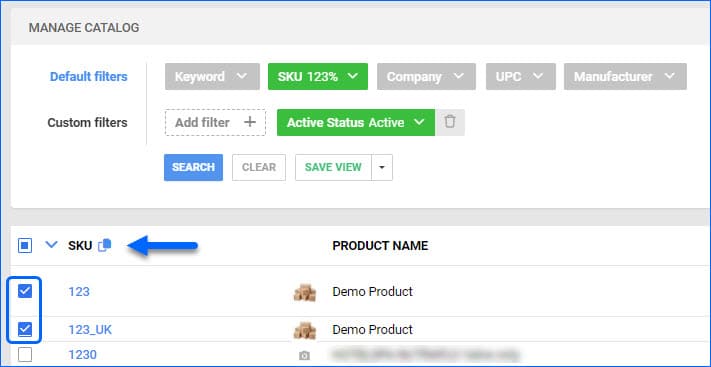
We have added the Action “Copy Product Data to Other SKU(s)” to the Catalog Page in our Delta Interface. This function allows you to do a quick one-time product information transfer from one SKU to another, including pricing, product specifics and more.
Kit Assembly Notes
Kit Products with the type Independent, have to be Assembled in order to gain physical inventory and become available for sale. You can do this with a file import, allowing you to Assemble multiple kits at once. We have added support for a Note Column in this bulk option, so you can keep track of the reasons for each Assembly or Disassembly you make.
Walmart Marketplace Active Listings
We have improved the way we process the Active Listing Report from Walmart Marketplace. In cases where a SKU comes in with the report, that matches the Walmart Marketplace Merchant SKU of multiple products in Sellercloud, we will prioritize the Merchant Fulfilled SKU, instead of the WFS-Enabled SKU. For example, if there is a new listing, the non-WFS SKU in Sellercloud will be updated to Posted and Active.
Parts Compatability for eBay Listings
We have added support for a couple of new ways to streamline configuring the Parts Compatability of your eBay products. For one individual product, you will now be able to Copy it directly from another SKU and import it from the active eBay Listing. For multiple SKUs at a time, we have added 3 new File Import Options:
- Import Parts Compatability From SKUs – to copy the configuration from one existing product to another
- Import Parts Compatability From eBay Item ID – to pull the configuration from an eBay active Listing
- Import eBay Parts Compatability – works as a normal Bulk Product Update
Walmart Marketplace Canada Attributes
We have added a new template to our Bulk Update Product Tool. You are now able to download a template specifically for Walmart Marketplace Canada Product Attributes and use it to efficiently set up multiple products with one file import.
Houzz Variations
We have implemented some changes in the way Variations are posted to Houzz. You will need to configure the Matrix parent’s variation themes: Color, Size, Design, Configuration, and set up corresponding Variation Attributes on the children. After that, you can post the Parent SKU to Houzz, and the whole Matrix will be listed.