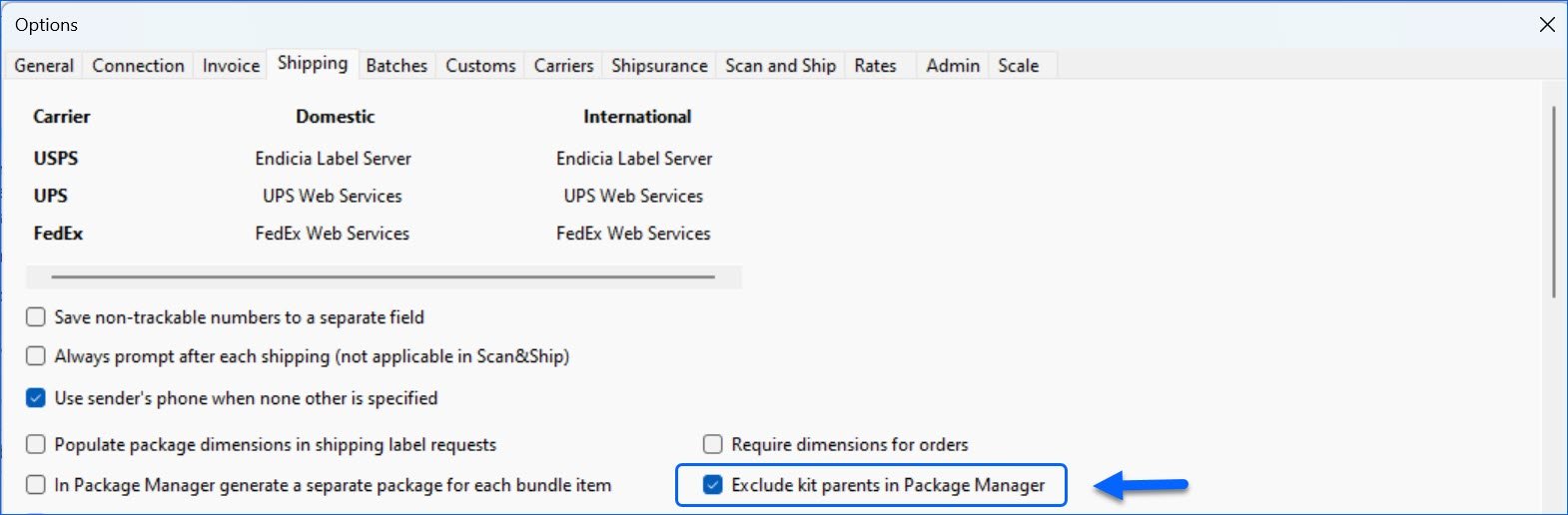
We have added a new setting under the Shipping tab of the Shipbridge options: Exclude kit parents in Package Manager. When enabled, it will prevent Kit Parent products from wrongly remaining in a Package when moving components from one package to another, ensuring that tracking numbers and labels are generated correctly.
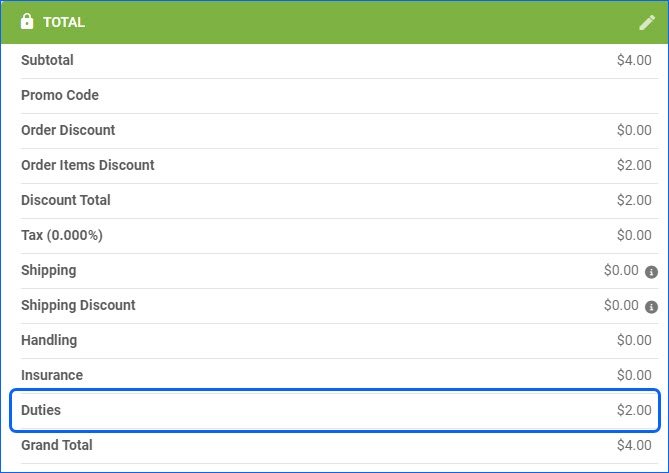
Duties on Order
We have adjusted the logic of the Order Total panel to properly display and calculate Duties for International Orders. Additionally, duties will now be returned in the Response body when you Get All Orders via our Rest API.
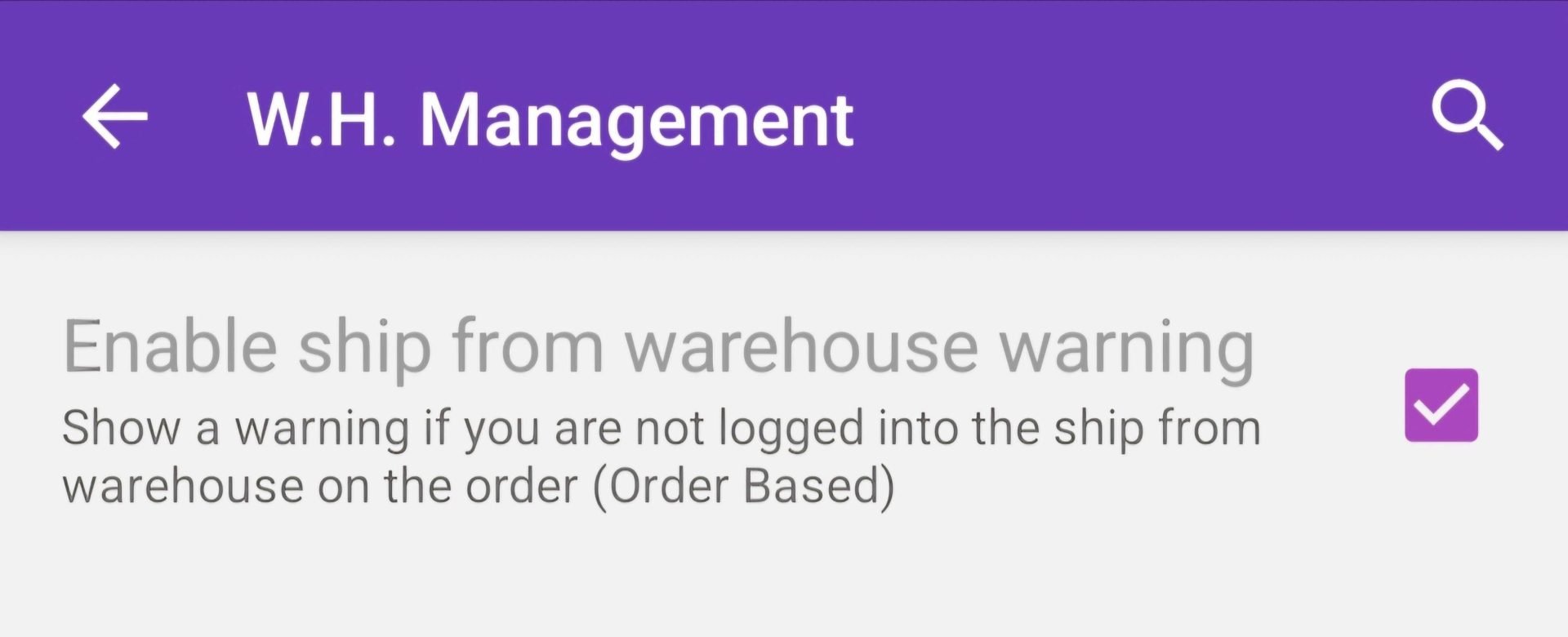
Enable ship from warehouse warning
We added a new setting in the Skustack App under Settings > Warehouse Management > Picklists. When you check Enable ship from warehouse warning, the app will show a message when you attempt to pick an order which has a Ship From warehouse different than the one you are currently logged into.
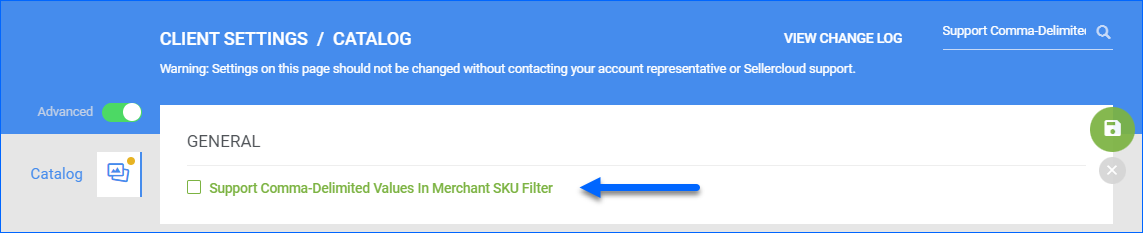
Merchant SKU Filter Change
By default, the Merchant SKU filter on the Manage Catalog page accepts multiple values separated by commas (e.g., SKU1,SKU2). However, this could become an issue if products have a Merchant SKU containing a comma: in that case, the system will assume that these are two separate values, and it will not display the correct result. For this reason, we have created a new Catalog Client Setting: Support Comma-Delimited Values In Merchant SKU Filter. When disabled, the Merchant SKU filter will expect a single value, but it can include commas.
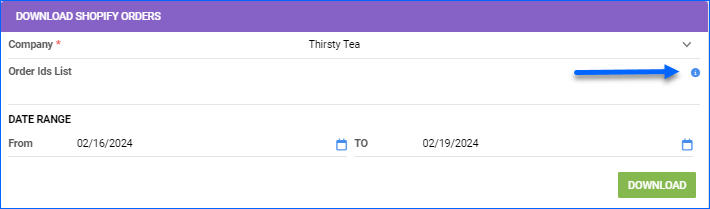
Download Orders From Shopify
We have added a tooltip with a warning message on the Download Orders From Shopify page: Order IDs should be fully numeric, like 5360204908230. For multiple Orders, use comma-separated values. This method for manually downloading Shopify Orders expects the long numeric Shopify Order ID, any other format will be rejected. This method is mostly used after initially integrating your Shopify site with Sellercloud or to re-download a problem order.
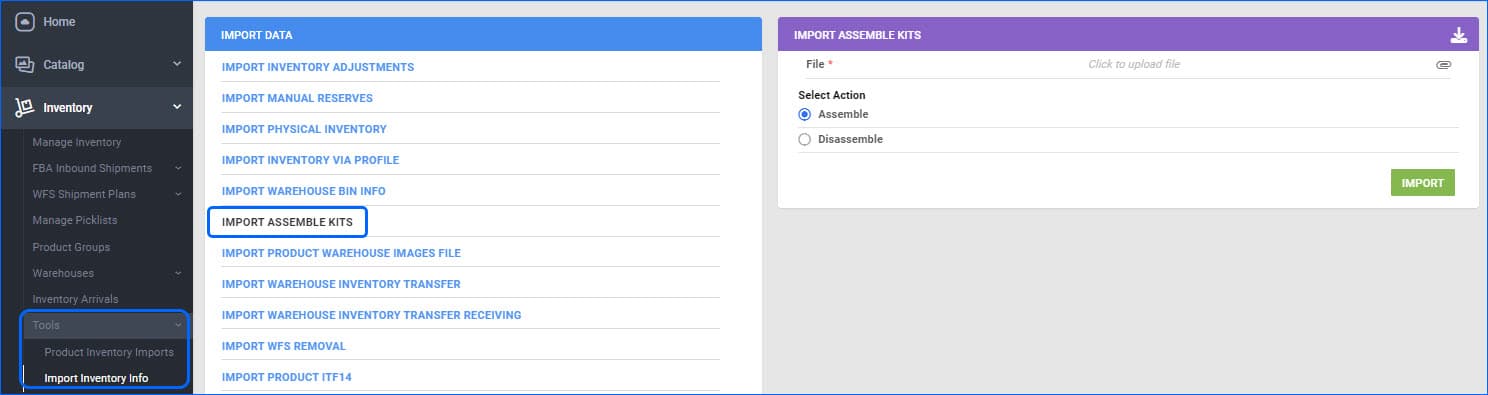
Import Kit Assembly
For Independent Kits to hold inventory, their components need to be assembled. This can be achieved in bulk via a file import for time efficiency. The Warehouse (assemble To and From) columns will now also accept Warehouse Name as values instead of only expecting the numerical Warehouse ID. This provides a bit more flexibility and ease of use.
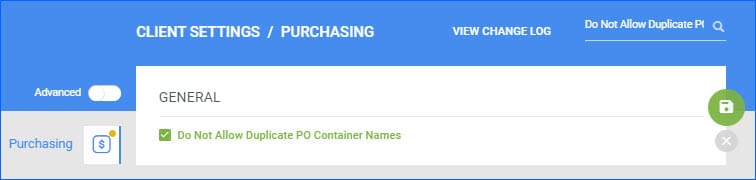
Shipping Container Name Validation
Restricted Skustack Login
We have added a restriction regarding which users can log into Skustack. Going forward, only Client Admins and users with the setting Is SKUstack User set to True will have access. We have ensured that all users who have logged into the app within the last 30 days have this setting enabled. All new users must have this checked on the Employee General Settings page in Sellercloud by a Client Admin.
Hayneedle Transition to Walmart Marketplace
With the transition of the Hayneedle channel to Walmart Marketplace, all Hayneedle VANs previously used to transmit documents have been deactivated. Contact Walmart Marketplace if you have any inquiries about re-listing your Hayneedle SKUs on their platform.
Mark a Picked Order as Void Restriction
We have added a restriction regarding which orders can be marked as Void. If an order has been Partially or Fully Picked with Skustack, you will not be able to void it, as that would cause inventory discrepancies in the related Bins. To void such an order, you should first Unpick the quantities with Skustack and then go back to Sellercloud to change the order status.